
HOW TO CHANGE THE SEND FROM NAME IN ZOHO MAIL
May 28, 2020 / by Marco / Categories : Business, Software, Technology
So I spent hours trying to resolve this and finally managed to land on the correct instructions and decided to share it with my readers.
I use ZOHO MAIL for email hosting on some of my domain names and when I tried sending an email from one of the accounts, the FROM name was not what I wanted.
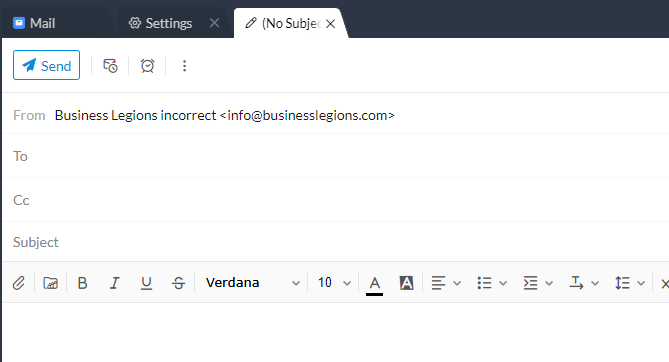
I needed to find a way to change this and I initially thought it was as simple as changing the name on the profile account but that was not the case.
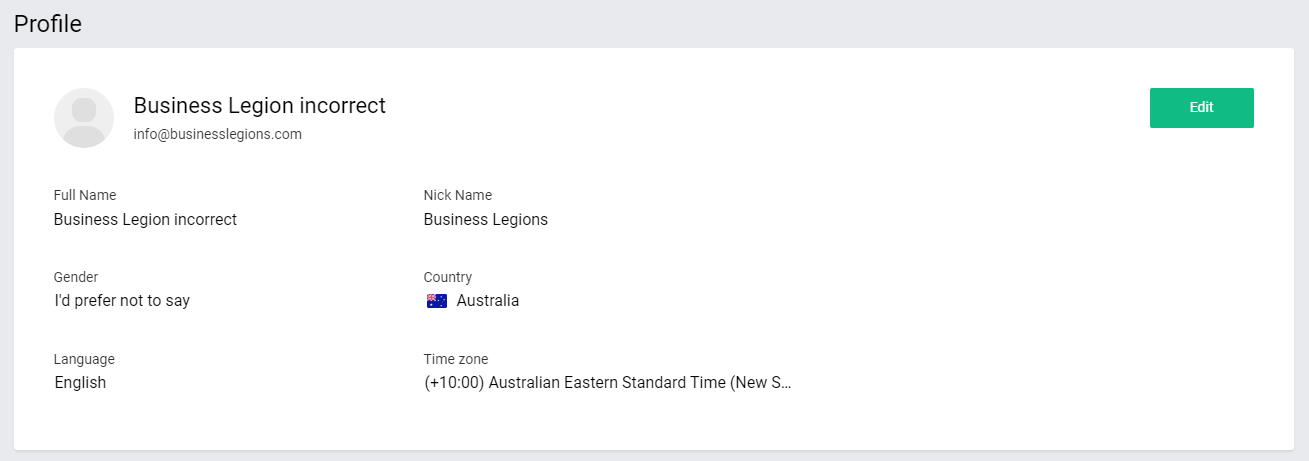
Here’s what you need to do.
- Login to ZOHO Mail: https://mail.zoho.com/
- Go to this link: https://mail.zoho.com/zm/#settings
- Then click on the email address you want to change
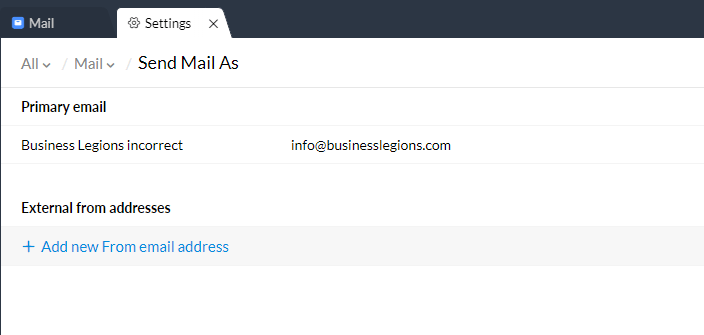
- Change the Display Name (outgoing emails)
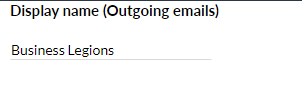
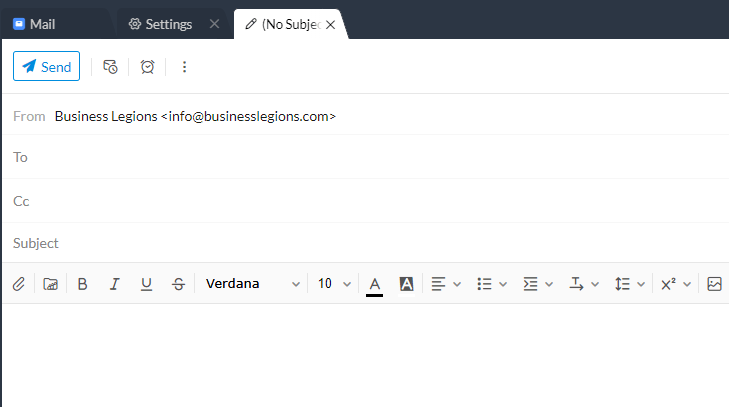
Press update and that should be it. Test by composing an email. In my example below, it now has Business Legions.
I hope this helps some of you out there.
Here’s a video showing how to do it: HOW TO CHANGE THE OUTGOING DISPLAY NAME FROM EMAIL ADDRESS IN ZOHO MAIL
Our Sponsors
- Advertise Me Pty Ltd

Digital Signage Solutions
- Fitness Mania
Everything to do with fitness products ranging from gym equipment, fitness clothing, protein powder and lots more.
- My Healthy App
My Healthy App curates all the best and latest mobile health apps.




Marco / admin / 30 Nov
Writing day to day ramblings about making money, business, technology, sharing awesome deals and everything else that I know I'll forget. Follow my personal blog https://marcotran.com.au
I've recently also turned Vegan and started this website Veggie Meals - check it out
"When technology speaks for itself, that is art" - MT
Affiliate Compensated: there are some articles with links to products or services that I may receive a commission.
OTHER ARTICLES YOU MAY LIKE
HOW TO USE GOOGLE WORKSPACE STUDIO FLOW IN GMAIL FOR SMART EMAIL AUTOMATION
Google keeps slipping new productivity features into Workspace, and sometimes the most useful ones are the tools you almost discover by accident while checking email. That is exactly the case with Studio Flow, a feature that has started appearing inside Gmail and wider Google Workspace environments, and it looks like Google is pushing further into […]
read more
USE FUSEBASE TO AUTOMATE TEAMWORK AND COLLABORATION
If your business is growing, your team is juggling too many moving parts, and your client communication is spread across email threads, chat apps, documents, task boards, and endless follow ups, there is a good chance the real problem is not effort but fragmentation. Most businesses do not lose time because people are lazy. They […]
read more

