WHERE IS MY GMAIL MAIN MENU SIDEBAR?
June 2, 2020 / by Marco / Categories : Gmail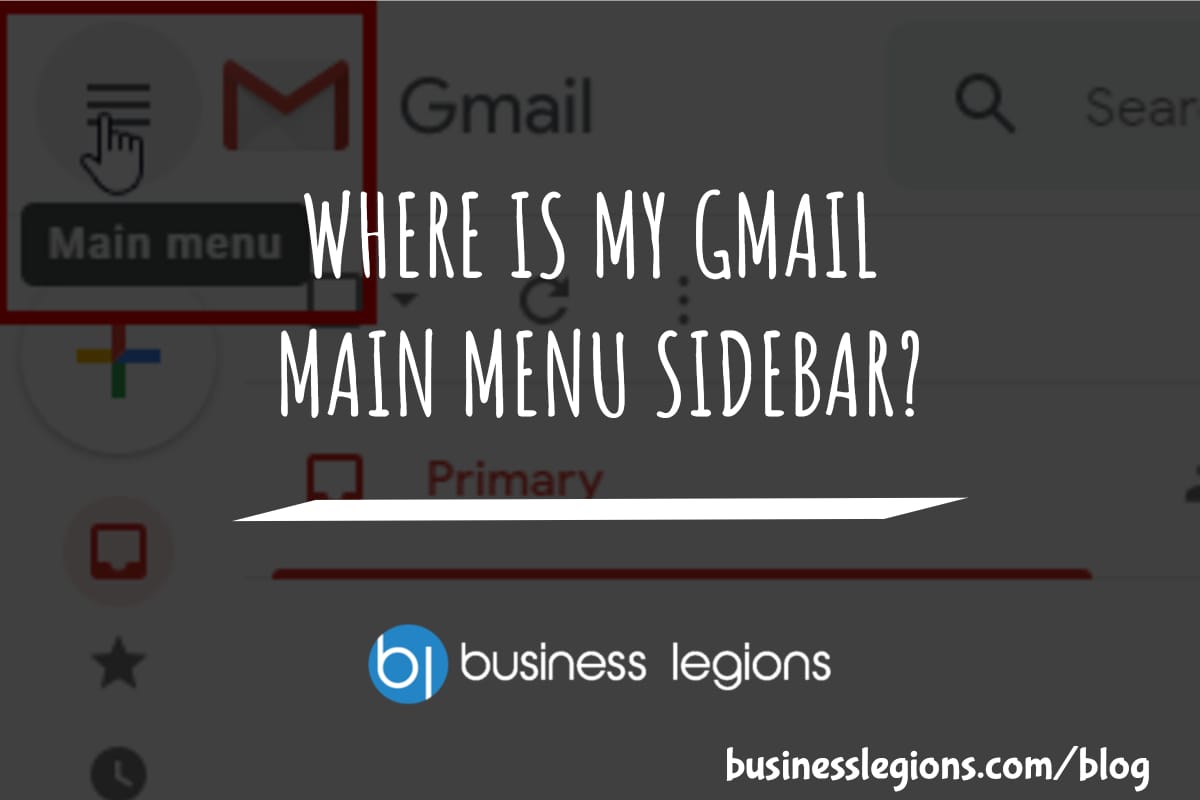
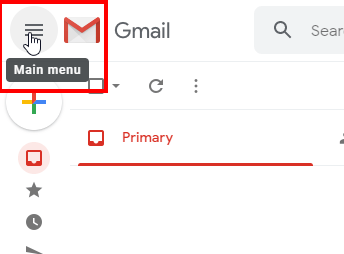
If you’ve logged into Gmail and you’re seeing icons on the left hand side menu sidebar instead of the typical names and folders, then you need to watch this fix. It is a very easy fix but it took me a while to figure it out:
You simply need to click on the Main Menu icon (3 lines) at the top left-hand corner next to the Gmail logo. For more instructions visit HOW TO EXPAND AND COLLAPSE THE MAIN MENU IN GMAIL

Marco / admin / 30 Nov
Writing day to day ramblings about making money, business, technology, sharing awesome deals and everything else that I know I'll forget. Follow my personal blog https://marcotran.com.au
I've recently also turned Vegan and started this website Veggie Meals - check it out
"When technology speaks for itself, that is art" - MT
Affiliate Compensated: there are some articles with links to products or services that I may receive a commission.
OTHER ARTICLES YOU MAY LIKE
WHERE IS MY GMAIL MAIN MENU SIDEBAR?
If you’ve logged into Gmail and you’re seeing icons on the left hand side menu sidebar instead of the typical names and folders, then you need to watch this fix. It is a very easy fix but it took me a while to figure it out: You simply need to click on the Main Menu […]
read more
WHERE IS MY GOOGLE+ PHOTOS!
Today, I needed to go into my Google+ Photos to retrieve an old photo I took earlier this year. When I went into Google+ I couldn’t find the Photos button which is generally located somewhere on this list: Heck, I couldn’t find it anywhere. That’s when I threw in the towel and decided to just […]
read more