
SFC30 Bluetooth Controller + NES Classic Bluetooth Receiver Exclusive Bundle for $39
April 27, 2017 / by Marco / Categories : Business, deals, design, entrepreneur, website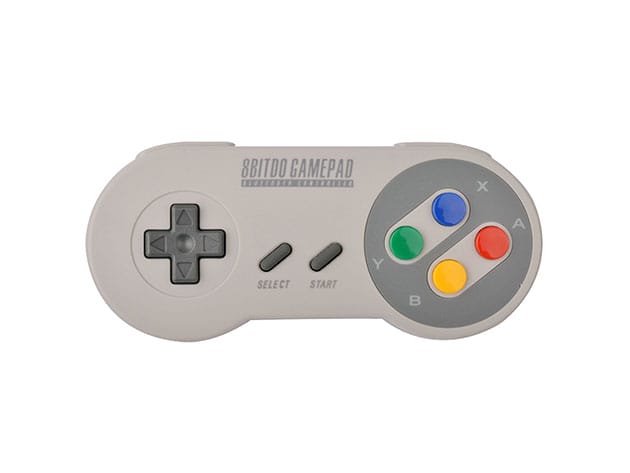

KEY FEATURES
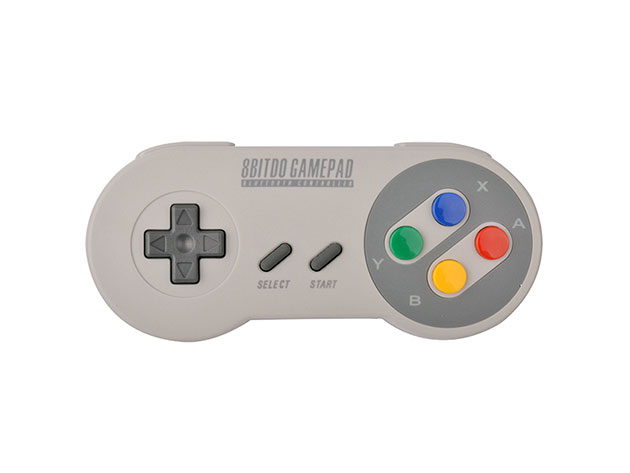
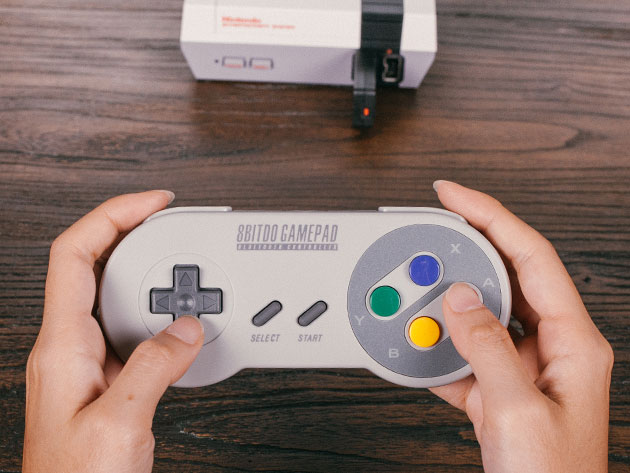
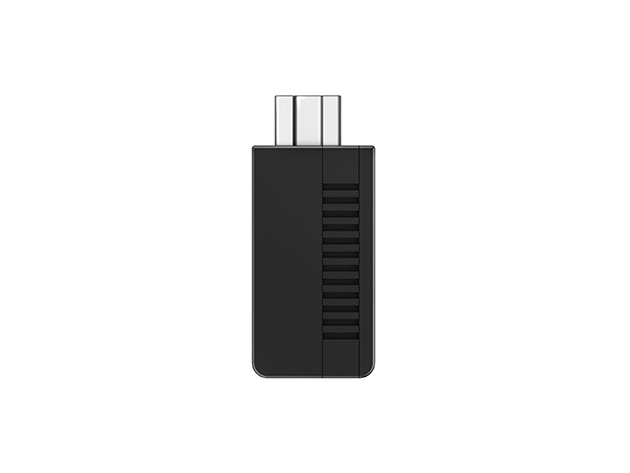
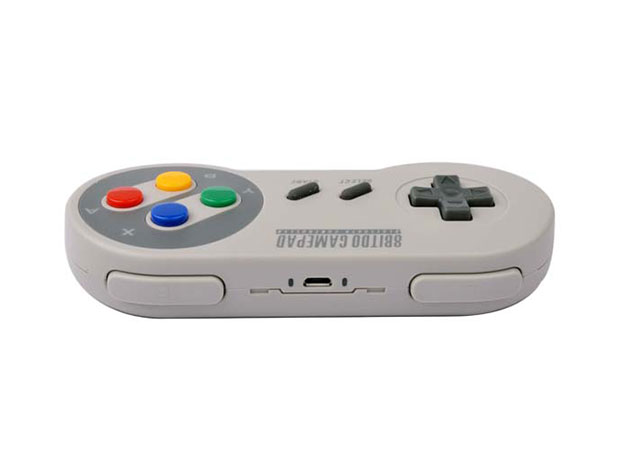
The future (or past?) of gaming is thrust upon us once again with this exclusive offer of the Bluetooth SFC30 controller and NES Classic Edition Receiver. For gamers who just plain appreciate a classic, simple controller, this gamepad lets you play your favorite games on iOS, Android, Mac OS X, and Windows with complete ease. With a professionally designed ergonomic feel and responsiveness, this controller has been expertly optimized for use with touchscreen games. Plus, with the included receiver, you can take it in the opposite direction, solving one of the chief problems of the NES Classic Edition (that short, short wire) with wireless gameplay. You can even decide to play the NES Classic with more advanced Playstation or Wii controllers.
- Supports multiplayer on iOS w/ dual keyboard code system
- Controller compatible w/ iOS, Android, Mac OS X, & Windows devices
- Receiver is compatible w/ all 8Bitdo controllers & arcade sticks, plus next gen PS4, PS3, Wii Mote, & Wii U Pro controllers
- Built-in CPU & FLASH memory chip allows for upgradeable firmware
- Works w/ iCade compatible games without jailbreaking your device
PRODUCT SPECS
Details & Requirements
- Dimensions: 2.09″ x 4.86″ x 0.62″
- Battery: 480 mAh Li-on battery
- USB cable: 1.2 m
- Bluetooth 2.1
- Input support: All 8Bitdo gamepads, PS3, PS4, Wiimote, Wii U Pro
- Output support: PS3, PC-XINPUT
- Built-in CPU and FLASH memory with upgradeable firmware
- For full specs, click here
Compatibility
- Controller:
- iOS
- Android
- Windows XP, Vista, 7, 8
- Mac OS X
- iCade compatible games
- Receiver:
- Only works with NES Classic Edition System
- All 8Bitdo controllers and arcade sticks
- PS3
- PS4
- Wii Mote
- Wii U Pro
Includes
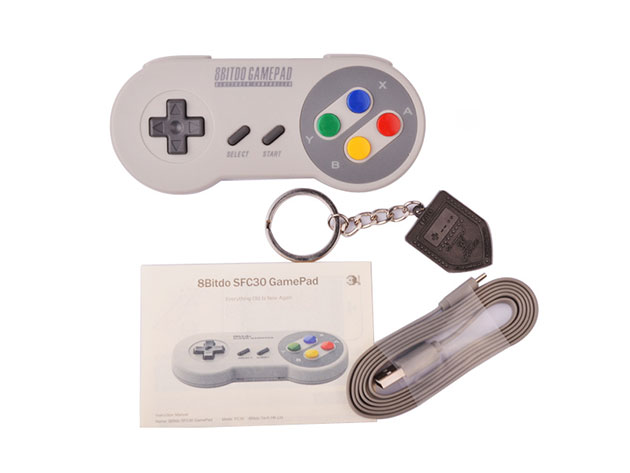
- SFC30 GamePad
- NES Classic Edition Retro Receiver
- USB cable

Marco / admin / 30 Nov
Writing day to day ramblings about making money, business, technology, sharing awesome deals and everything else that I know I'll forget. Follow my personal blog https://marcotran.com.au
I've recently also turned Vegan and started this website Veggie Meals - check it out
"When technology speaks for itself, that is art" - MT
Affiliate Compensated: there are some articles with links to products or services that I may receive a commission.
OTHER ARTICLES YOU MAY LIKE

USING THE LATEST CLAUDE MODEL TO BUILD GREAT TOOLS
If you have ever had an idea for a small tool but stopped because coding felt too hard, the latest Claude model makes that gap much smaller. You can now describe what you want in plain English, ask Claude to plan it, build the first version, improve the design, write the logic, test the workflow, […]
read more
REVIEWING AND UNBOXING THE TOOCKI USB-C RIGHT ANGLE 1.2M CABLE
USB C cables are among the most ordinary accessories we own, yet they can make a surprisingly noticeable difference to how comfortable our devices are to use while charging. The Toocki USB C right angle cable is a good example of a simple accessory that tries to solve a very common irritation, because instead of […]
read more

