
How to remove the annoying blue Telstra logo light from Gateway Pro v7610
December 22, 2017 / by Marco / Categories : Business, Hardware, Technology
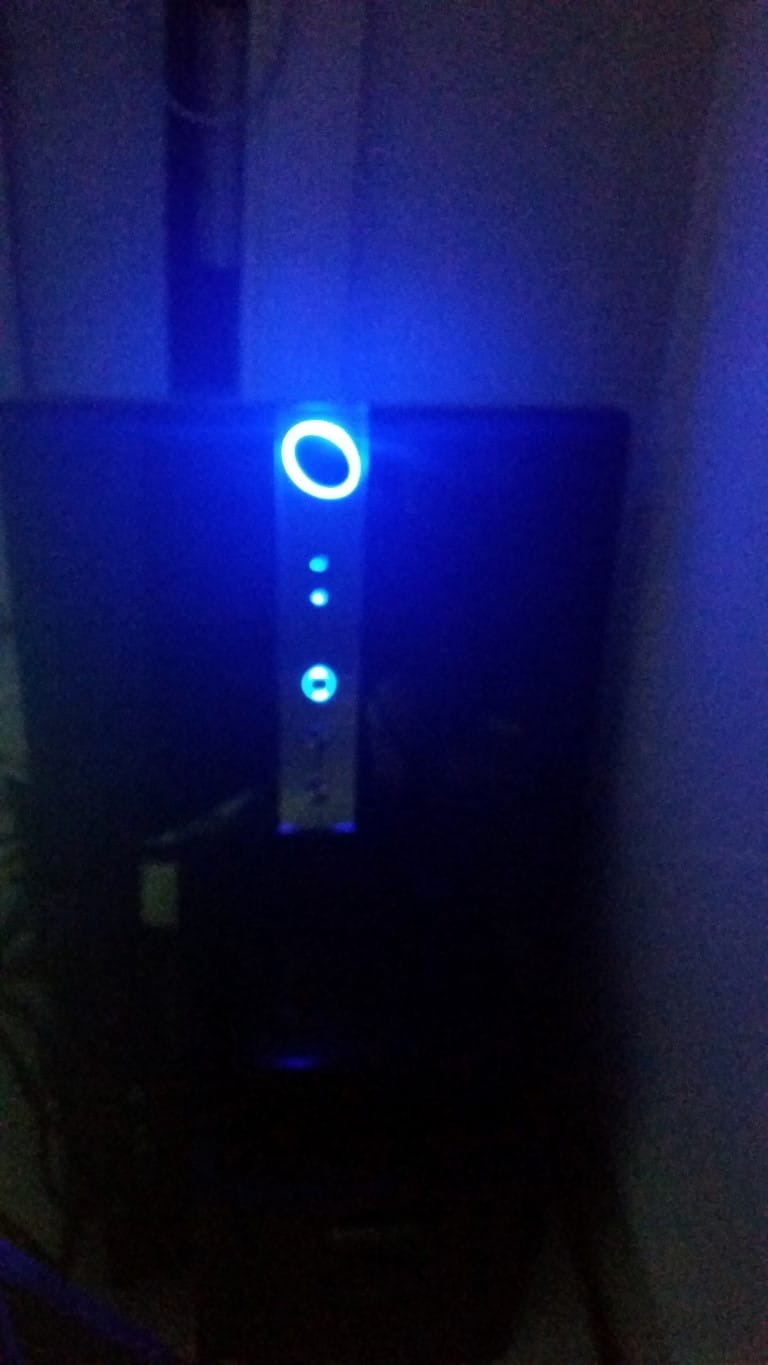
Yesterday I setup the Telstra Gateway Pro v7610 and the most annoying thing about this router is the BLUE Telstra Logo – at night you see this beaming blue light emitting from the corner of my office area which I found very annoying. It looked like this:
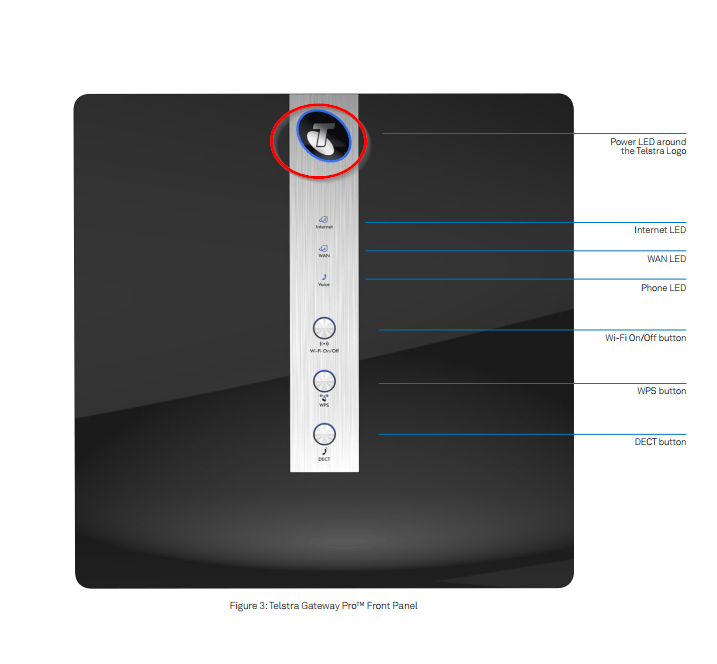
This is the blue light I’m talking about on the router being described in the manual – Power LED around the Telstra Logo
I went on a quest to see if there was a way to disable this blue light and didn’t give up until I finally did it.
You may be asking “Why not just read the manual?”. I did and there were no instructions describing the steps on how to achieve this. I was almost desperate to just use black tape and hide the light somehow but luckily I didn’t resort to this step. I also couldn’t find any website that had this information so I decided to document it here before I forget.
You can watch this video and follow the instructions:
Here are the steps on how to disable this in the configuration panel of the router:
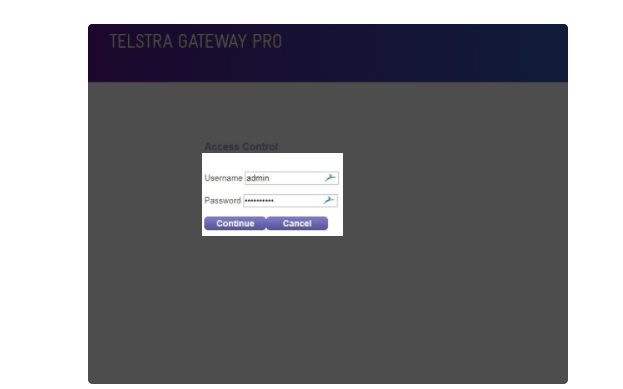
- Login to your Router
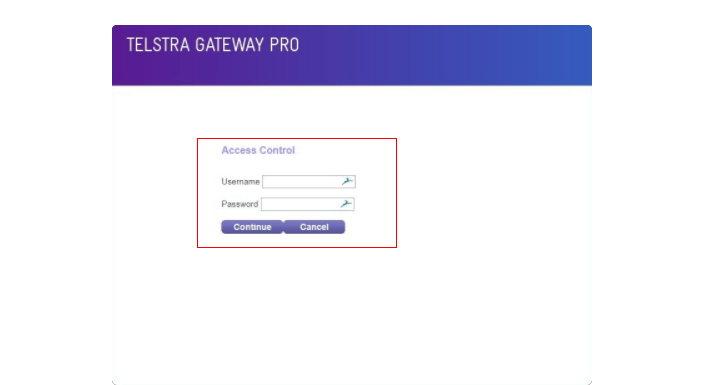
- Enter your username and password
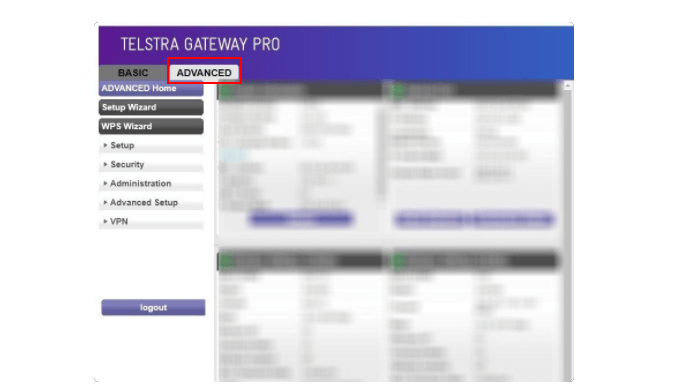
- Click on Advanced
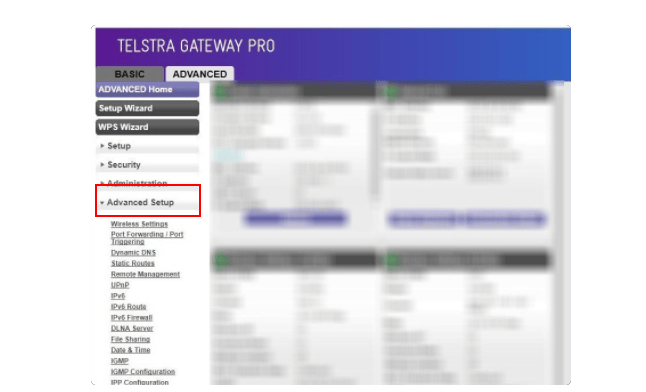
- Click on Advanced Setup
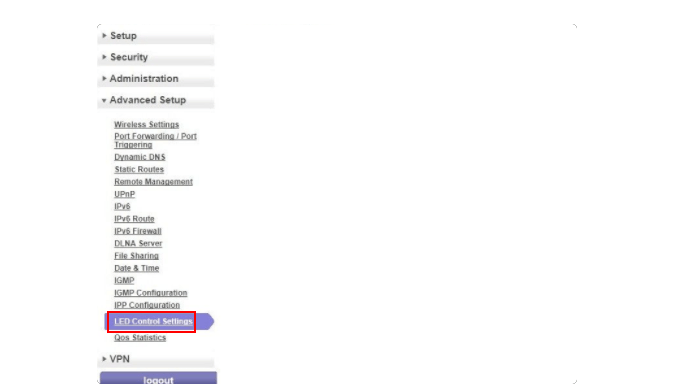
- Click on LED Control Settings
- Click on the checkbox Turn Off Telstra Logo LED
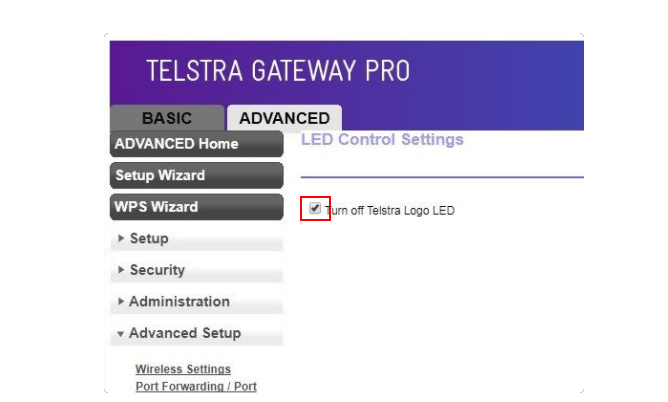
I hope this helps someone and if it did, make sure you sign up to our newsletter and share it with other readers.

Marco / admin / 30 Nov
Writing day to day ramblings about making money, business, technology, sharing awesome deals and everything else that I know I'll forget. Follow my personal blog https://marcotran.com.au
I've recently also turned Vegan and started this website Veggie Meals - check it out
"When technology speaks for itself, that is art" - MT
Affiliate Compensated: there are some articles with links to products or services that I may receive a commission.
OTHER ARTICLES YOU MAY LIKE

REVIEWING AND UNBOXING THE TOOCKI USB-C RIGHT ANGLE 1.2M CABLE
USB C cables are among the most ordinary accessories we own, yet they can make a surprisingly noticeable difference to how comfortable our devices are to use while charging. The Toocki USB C right angle cable is a good example of a simple accessory that tries to solve a very common irritation, because instead of […]
read more
QUICK FIX TO CHANGE THE MAX SELL POWER TO LESS THAN 500W ON THE DEYE INVERTER
There are many reasons a home owner or installer might want to place a tight cap on how much solar power is exported to the public grid. Some households live under a strict export cap imposed by their local distribution network operator, others want to reduce export to focus on self consumption and battery charging, […]
read more


