
Increase Productivity with UnDistracted for Mac – only $5.99!
October 4, 2016 / by Marco / Categories : Business, deals, design, entrepreneur, website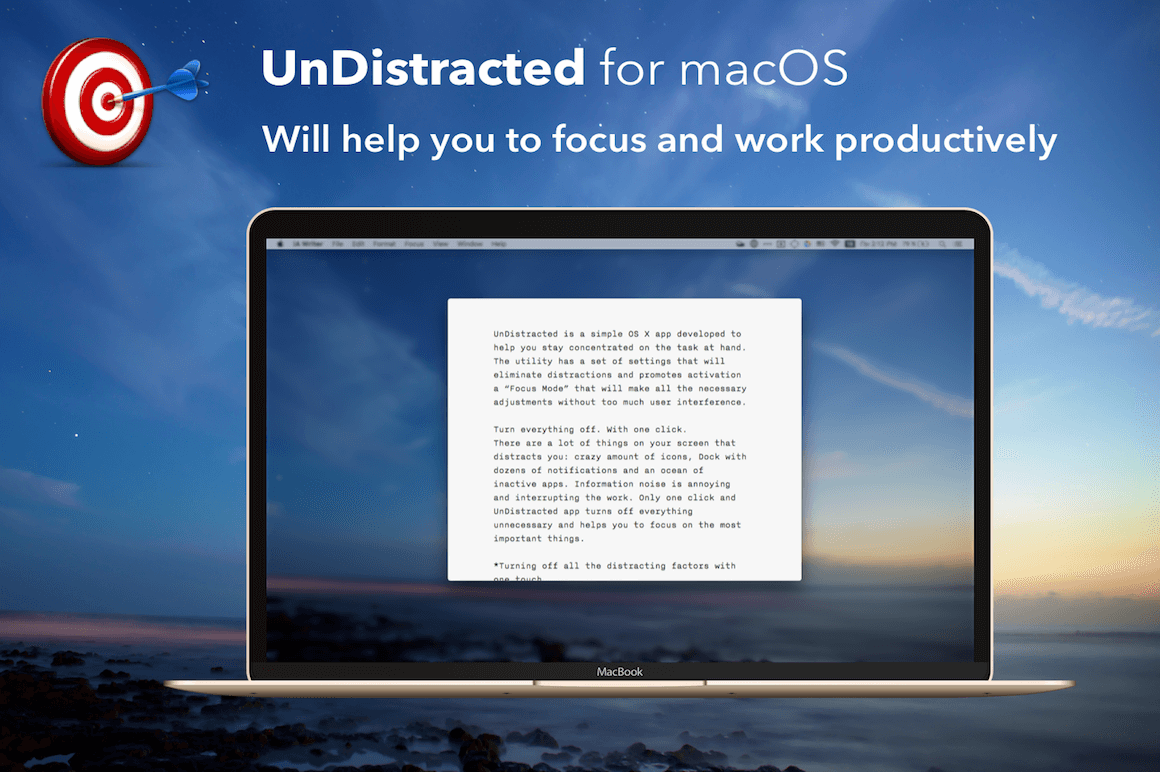

NOW ON: Increase Productivity with UnDistracted for Mac – only $5.99!
Expires: October 11, 2016, 11:59 pm EST

Ever find yourself distracted while trying to work? Is your desktop cluttered with so many files and icons that you get sensory overload every time you boot up your iMac? Then get yourself a copy of UnDistracted for macOS. This amazing Mac utility is a menu bar app that can hide all your distractions with a single click. Dock, menu bar, multiple windows, files, folders and icons are all fair game to be hidden or darkened, so you can focus in on what really matters to you.
Highlights:
- Easily remove any and all distractions from your Mac desktop so you can focus on the work at hand.
- This amazing Mac utility is a menu bar app that easily gives you control over making your workspace more Zen.
- With just one simple click, you can remove ALL distractions from your monitor.
- No more dealing with super messy desktops. Instantly hide all those files, folders,and app icons.
- Focus in on just one window by using UnDistracted to shadow all other windows.
- Hide or activate the dark theme for your menu bar and dock.
- Turn on the “Do Not Disturb” mode and it automatically populates the same status message on Skype and Adium.
- Customize your settings to control what you do and don’t see, as well as shadow colors and opacity levels.
- Play around with preferences iva the super user-friendly interface.


Pricing:
Normally, this incredible resource sells for $12, but for a limited time only, you can get UnDistracted for only $5.99! That’s a 50% savings off the regular price.
Click the BUY NOW button to remove your distractions today!
Deal terms:
- You will receive your download and serial serial number immediately after completing your purchase.
- Requires OS X Yosemite or El Capitan or macOS Sierra.
- This app is for single user, lifetime license, which allows for 2 activations for the same user.

Marco / admin / 30 Nov
Writing day to day ramblings about making money, business, technology, sharing awesome deals and everything else that I know I'll forget. Follow my personal blog https://marcotran.com.au
I've recently also turned Vegan and started this website Veggie Meals - check it out
"When technology speaks for itself, that is art" - MT
Affiliate Compensated: there are some articles with links to products or services that I may receive a commission.
OTHER ARTICLES YOU MAY LIKE

USING THE LATEST CLAUDE MODEL TO BUILD GREAT TOOLS
If you have ever had an idea for a small tool but stopped because coding felt too hard, the latest Claude model makes that gap much smaller. You can now describe what you want in plain English, ask Claude to plan it, build the first version, improve the design, write the logic, test the workflow, […]
read more
REVIEWING AND UNBOXING THE TOOCKI USB-C RIGHT ANGLE 1.2M CABLE
USB C cables are among the most ordinary accessories we own, yet they can make a surprisingly noticeable difference to how comfortable our devices are to use while charging. The Toocki USB C right angle cable is a good example of a simple accessory that tries to solve a very common irritation, because instead of […]
read more


