
HOW TO CHANGE THE SEND FROM NAME IN ZOHO MAIL
May 28, 2020 / by Marco / Categories : Business, Software, Technology
So I spent hours trying to resolve this and finally managed to land on the correct instructions and decided to share it with my readers.
I use ZOHO MAIL for email hosting on some of my domain names and when I tried sending an email from one of the accounts, the FROM name was not what I wanted.
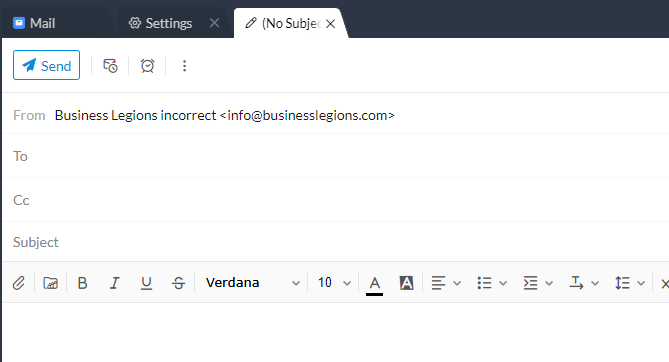
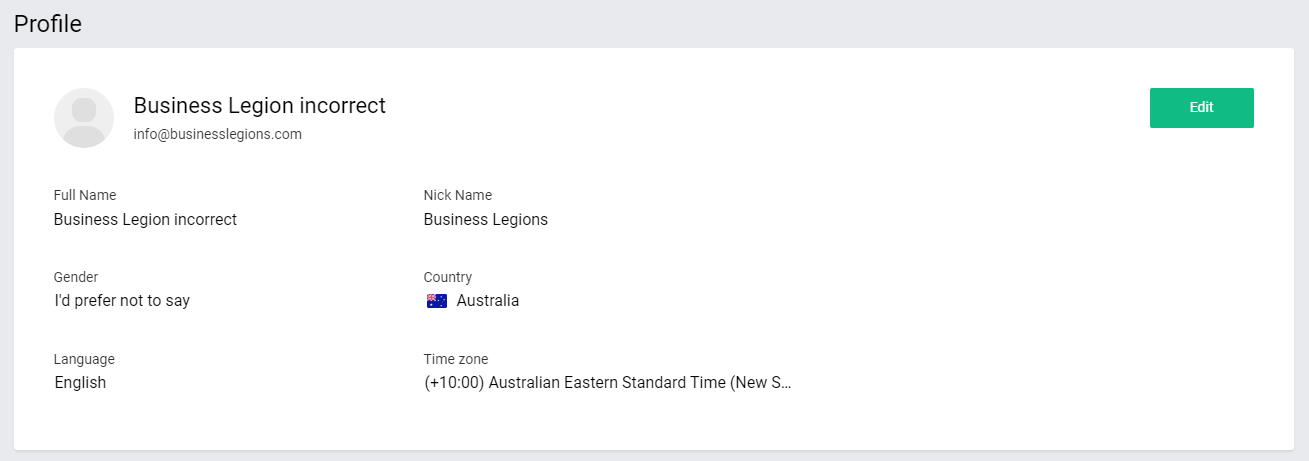
I needed to find a way to change this and I initially thought it was as simple as changing the name on the profile account but that was not the case.
Here’s what you need to do.
- Login to ZOHO Mail: https://mail.zoho.com/
- Go to this link: https://mail.zoho.com/zm/#settings
- Then click on the email address you want to change
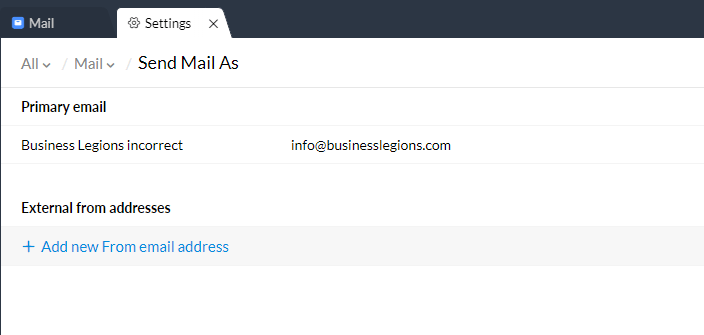
- Change the Display Name (outgoing emails)
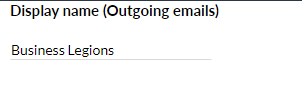
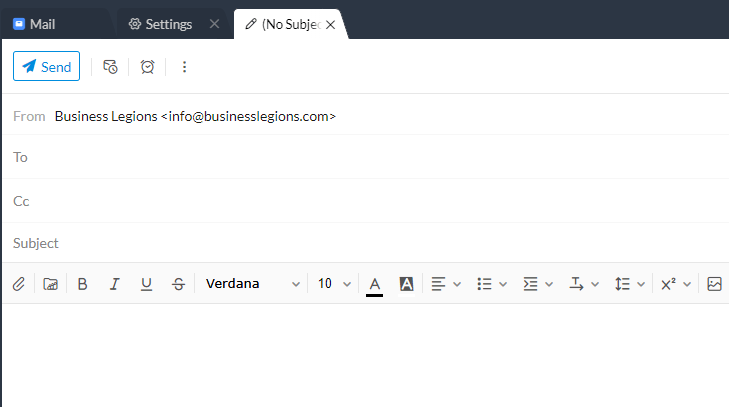
Press update and that should be it. Test by composing an email. In my example below, it now has Business Legions.
I hope this helps some of you out there.
Here’s a video showing how to do it: HOW TO CHANGE THE OUTGOING DISPLAY NAME FROM EMAIL ADDRESS IN ZOHO MAIL
Our Sponsors
- Advertise Me Pty Ltd

Digital Signage Solutions
- Fitness Mania
Everything to do with fitness products ranging from gym equipment, fitness clothing, protein powder and lots more.
- My Healthy App
My Healthy App curates all the best and latest mobile health apps.




Marco / admin / 30 Nov
Writing day to day ramblings about making money, business, technology, sharing awesome deals and everything else that I know I'll forget. Follow my personal blog https://marcotran.com.au
I've recently also turned Vegan and started this website Veggie Meals - check it out
"When technology speaks for itself, that is art" - MT
Affiliate Compensated: there are some articles with links to products or services that I may receive a commission.
OTHER ARTICLES YOU MAY LIKE

REVIEWING AND UNBOXING THE TOOCKI USB-C RIGHT ANGLE 1.2M CABLE
USB C cables are among the most ordinary accessories we own, yet they can make a surprisingly noticeable difference to how comfortable our devices are to use while charging. The Toocki USB C right angle cable is a good example of a simple accessory that tries to solve a very common irritation, because instead of […]
read more
QUICK FIX TO CHANGE THE MAX SELL POWER TO LESS THAN 500W ON THE DEYE INVERTER
There are many reasons a home owner or installer might want to place a tight cap on how much solar power is exported to the public grid. Some households live under a strict export cap imposed by their local distribution network operator, others want to reduce export to focus on self consumption and battery charging, […]
read more


