
Windows 10 Pro Insider Preview Review
June 23, 2015 / by Marco / Categories : Software, Technology, Windows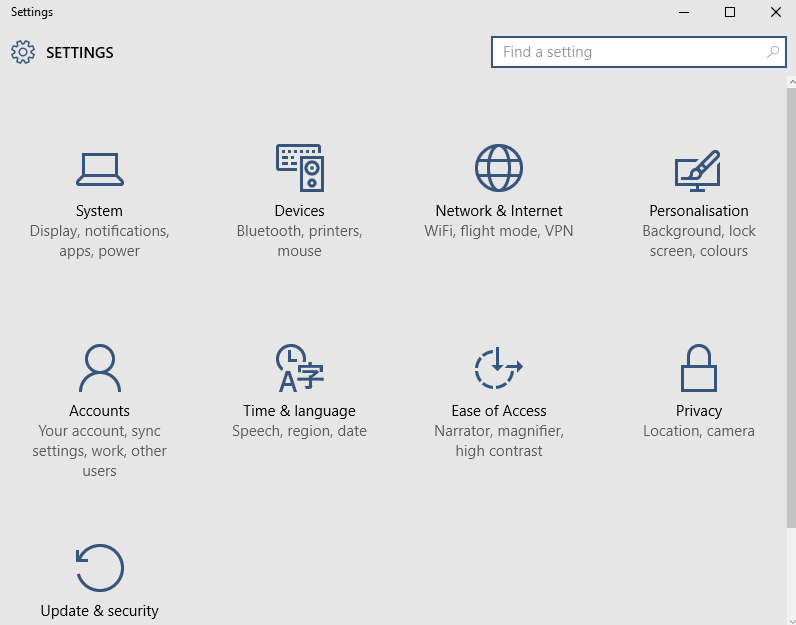
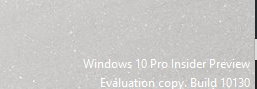
I’ve just installed the Windows 10 Pro Insider Preview (Evaluation Copy – build 10130) and noticed a big improvement from Windows 8.1
Firstly, there is the Start Icon!!!! OMG!
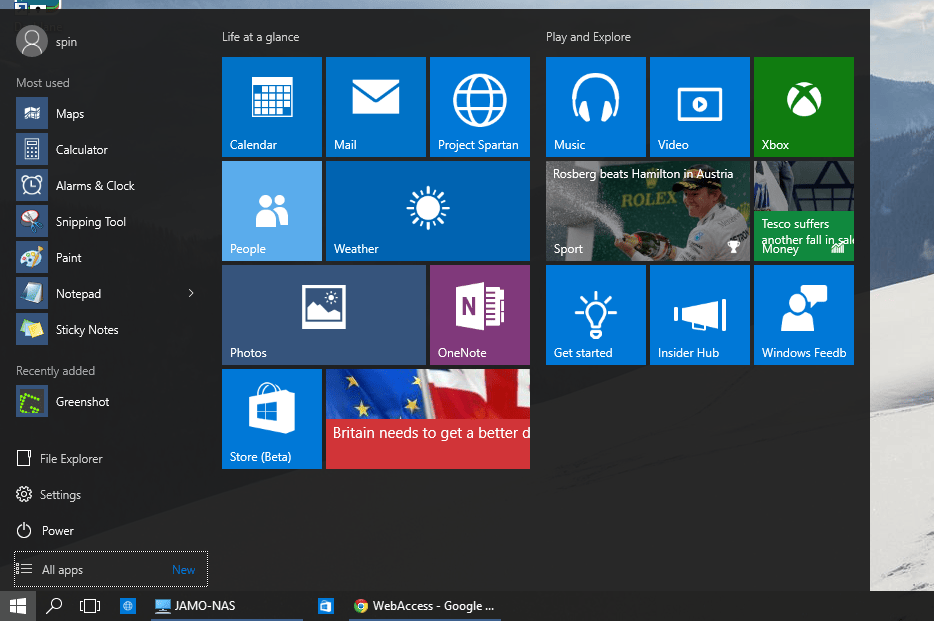
For those of you who have used Windows 8.1 know how frustrating it was without the Start button. I even recommended to install a software tool to add the start button called Classic Shell. If you’re still on Windows 8 and are after this tool then read more about it here: Windows Classic Shell – change the way Windows 8
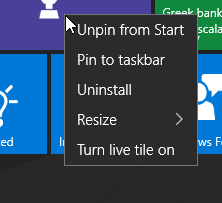
You will notice that the interface looks really different – the tiles now seem to be integrated with the Start Menu. To turn off (kept showing live updates) and remove a tile from the Start Menu just right click on the tile you want to remove and select “Turn Tile off”and the select Unpin from Start
The Gems bar that is normally on the right hand side is no longer there. Nice!
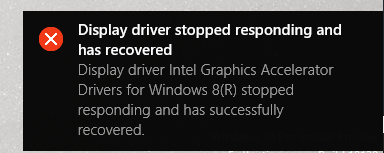
Windows 10 installed all the drivers, however I had to manually download and install the Video drivers as it was not detecting the secondary monitor. I used the window 8 drivers and this seems to have worked fine except I get this error message when it recovers from screensaver. The notification message get’s bit annoying but it does fix itself.
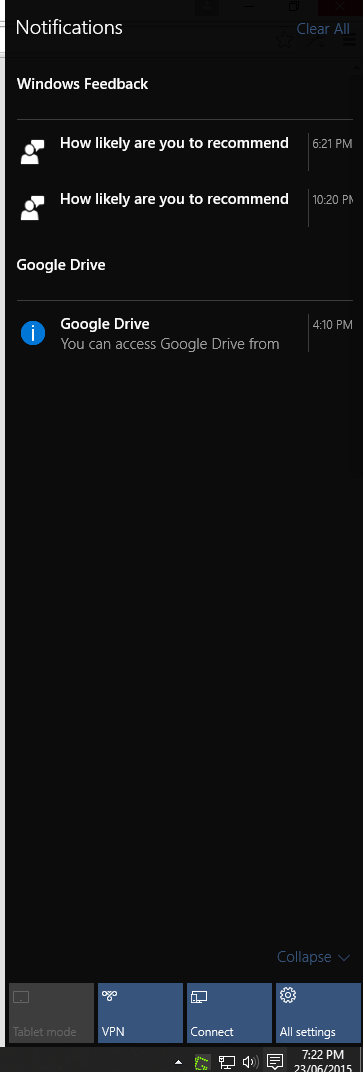
There is a notification menu that is new and looks very similar to what you would see on a tablet or smart phone (maybe the reason why it’s been designed that way).
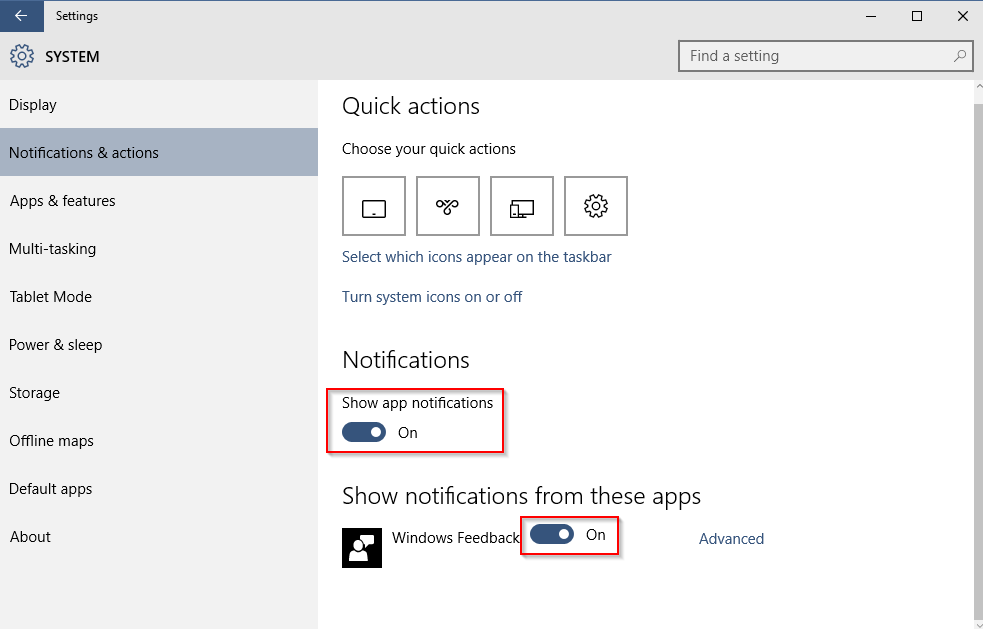
You can disable these notifications by Clicking on Start, Settings, Notifications. Turn the notifications and feedback off is you don’t want to see them again. I’ve turned off the Windows Feedback.
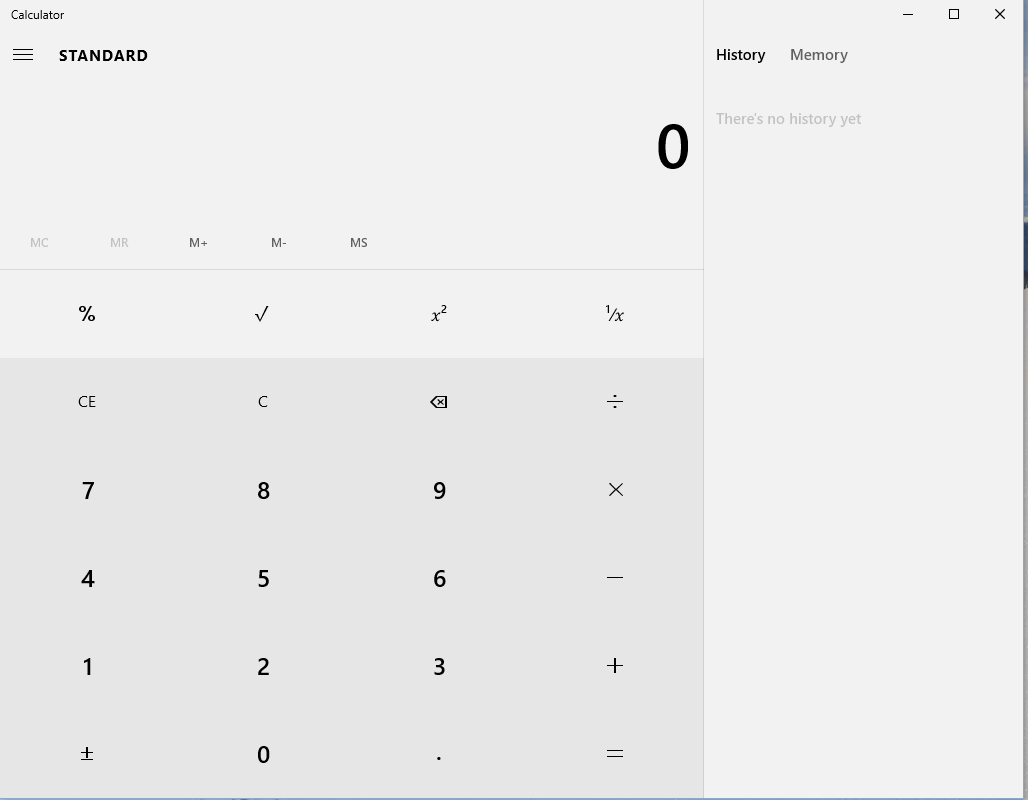
The other thing I’ve noticed is the design of the calculator. It looks nice. There’s even a section that displays your history and what is stored in memory.
If you’re looking for the Control Panel on the start menu you won’t see it. It has been replaced with Settings and looks very different.
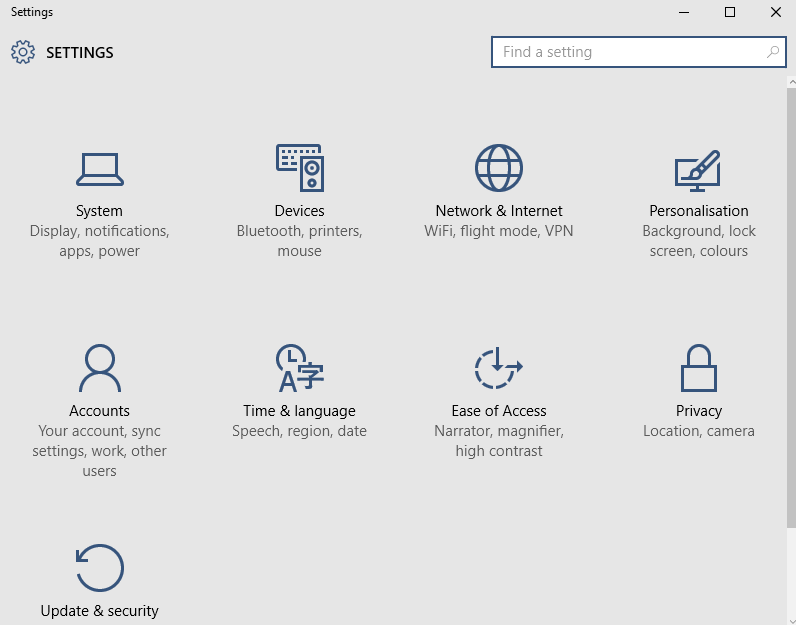
However, it’s still there if you need it. All you have to do is perform a search by clicking the Magnifying glass and then type Control Panel.
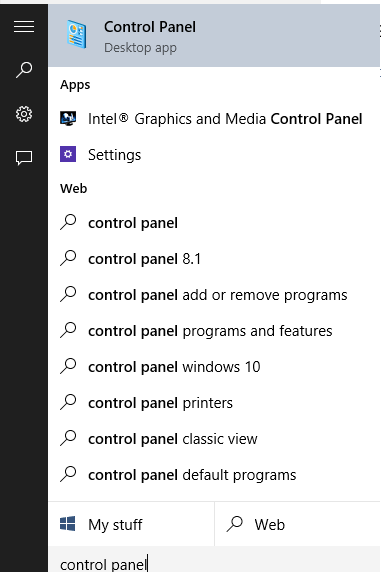
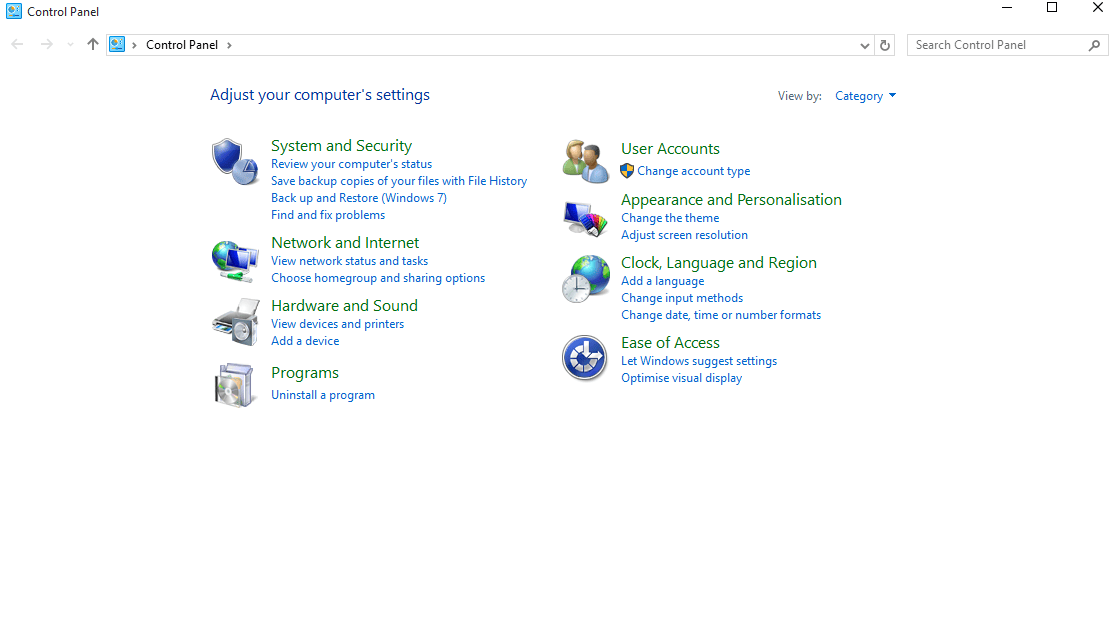
And it’s back… what I’m very familiar with.
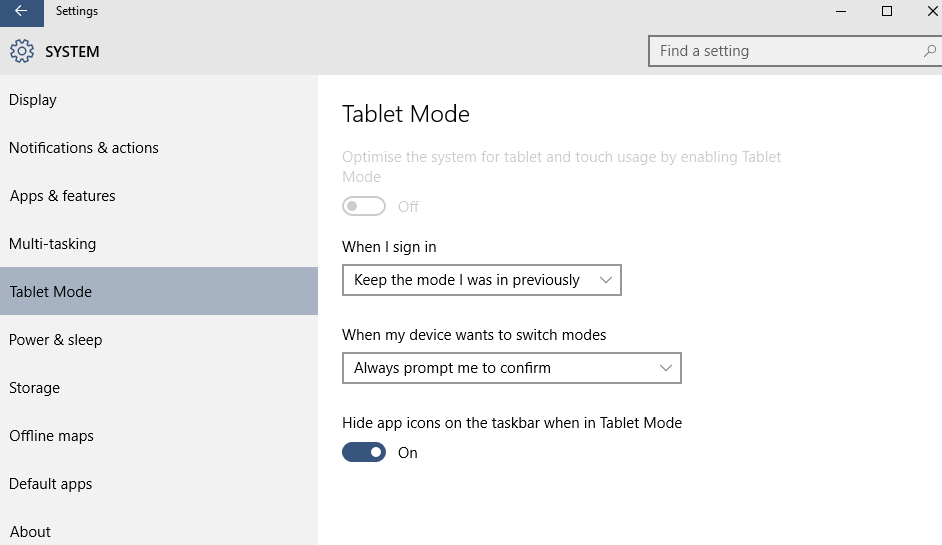
If you go into System there is a setting to turn on Tablet mode. I’m planning to use this on my Microsoft Surface 2 Pro when Windows 10 is officially available.
Another tool I discovered is the Alarm, World Clock, Timer and Stopwatch application. Although, designed for the tablets I believe it’s quite useful to have on a desktop PC as well.
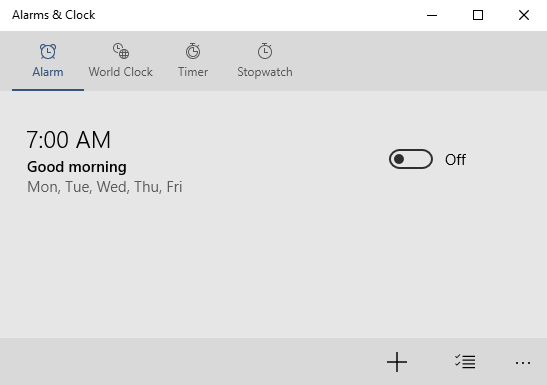
Performance wise, it seems a lot quicker and the boot up into windows is much faster and overall the user interface is much better than Windows 8 so well done to Microsoft for the improvement.
Windows 10 Pro Insider Preview Download – Click Here

Marco / admin / 30 Nov
Writing day to day ramblings about making money, business, technology, sharing awesome deals and everything else that I know I'll forget. Follow my personal blog https://marcotran.com.au
I've recently also turned Vegan and started this website Veggie Meals - check it out
"When technology speaks for itself, that is art" - MT
Affiliate Compensated: there are some articles with links to products or services that I may receive a commission.
OTHER ARTICLES YOU MAY LIKE

REVIEWING AND UNBOXING THE TOOCKI USB-C RIGHT ANGLE 1.2M CABLE
USB C cables are among the most ordinary accessories we own, yet they can make a surprisingly noticeable difference to how comfortable our devices are to use while charging. The Toocki USB C right angle cable is a good example of a simple accessory that tries to solve a very common irritation, because instead of […]
read more
SUPABASE BACKUP TUTORIAL: USE DBEAVER TO EXPORT YOUR DATABASE SAFELY
If you are building anything serious on Supabase, whether that is a client portal, a SaaS app, an internal dashboard, or even a small side project that is starting to get traction, having a reliable database backup process is one of those tasks that quickly moves from optional to essential. Supabase makes a lot of […]
read more

