Tag Archive: website
March 21, 2016 / by Marco / Bundle, business, Compatible, deals, design, email, entrepreneur, MailChimp, Newsletter, templates, website

Bundle of 14 Email Newsletter Templates, MailChimp Compatible – only $24!
NOW ON: Bundle of 14 Email Newsletter Templates, MailChimp Compatible – only $24!
Expires: March 21, 2016, 11:59 pm EST
So you’ve always wanted to send out your own email newsletters but never had a good look set up. No problem! This incredible bundle includes 14 professional email newsletter templates,from ZippyPixels, to impress you and your clients. Easily build your perfect email with the simple Drag-n-Drop builder, taking advantage of more than 100+ different reusable modules. MailChimp and Campaign Monitor compatible, there’s no excuse for not improving your client communication today.
Highlights:
- Put together the perfect set of newsletters for yourself or your clients with this fabulous collection of 14 email templates.
- Access to a simple Drag-n-Drop Builder makes your work a breeze.
- Play around with 100+ reusable content blocks to build the perfect communciation.
- Templates cover a variety of themes including: blogging, creative agencies, ecommerce, notifications, photography, corporate and more.
- Already use Mailchimp or Campaign Monitor? Perfect! This bundle of templates supports the powerful email applications.
- With fully layered and organized PSD files, you can easily customize these templates as you need.
- Your purchase of this Mighty Deal gives you life-time access to the user-friendly, online email builder!
- All of these beautiful templates were built on a responsive design, so they won’t just look gorgeous, they’ll look gorgeous on every device!
Previews:
Click on each image to view the demos.


Pricing:
Normally, this bundle sells for $49, but for a limited time only, you can get all 14 email newsletter templates for only $24! That’s a 51% savings off the regular price.
Click the BUY NOW button to to improve your communications today!
Deal terms:
- You will receive a coupon code, after completing your purchase, to redeem on the vendor website, to obtain the bundle and to have access to the Drag-n-Drop Builder.
- All files are in .PSD format and can be customised.
- Can be used for commercial purposes, for yourself or on behalf of a client, on their own, or as part of new work.
- Cannot be sub-licensed, resold, shared, transferred, or otherwise redistributed on its own.
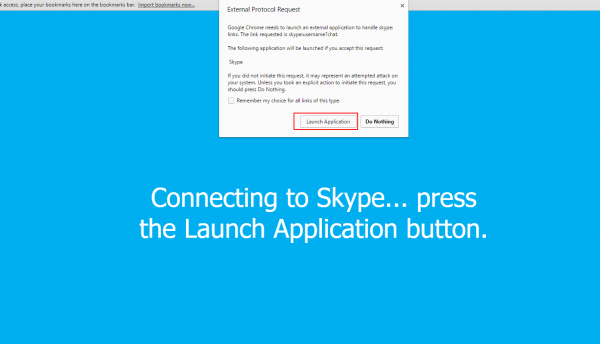
HOW TO ADD SKYPE BUTTON OR LINK TO YOUR GMAIL SIGNATURE
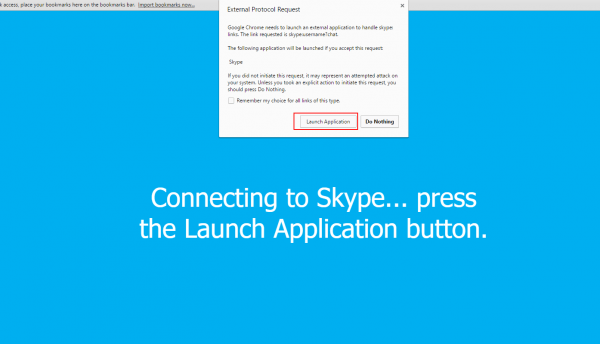
For those of you who want to add a call me button in your Gmail signature then you’ve come to the right place. The process is a bit complex and I’ve decided to write down the steps required to achieve this. Firstly, Skype does have an option to create a Skype button on their website […]
read more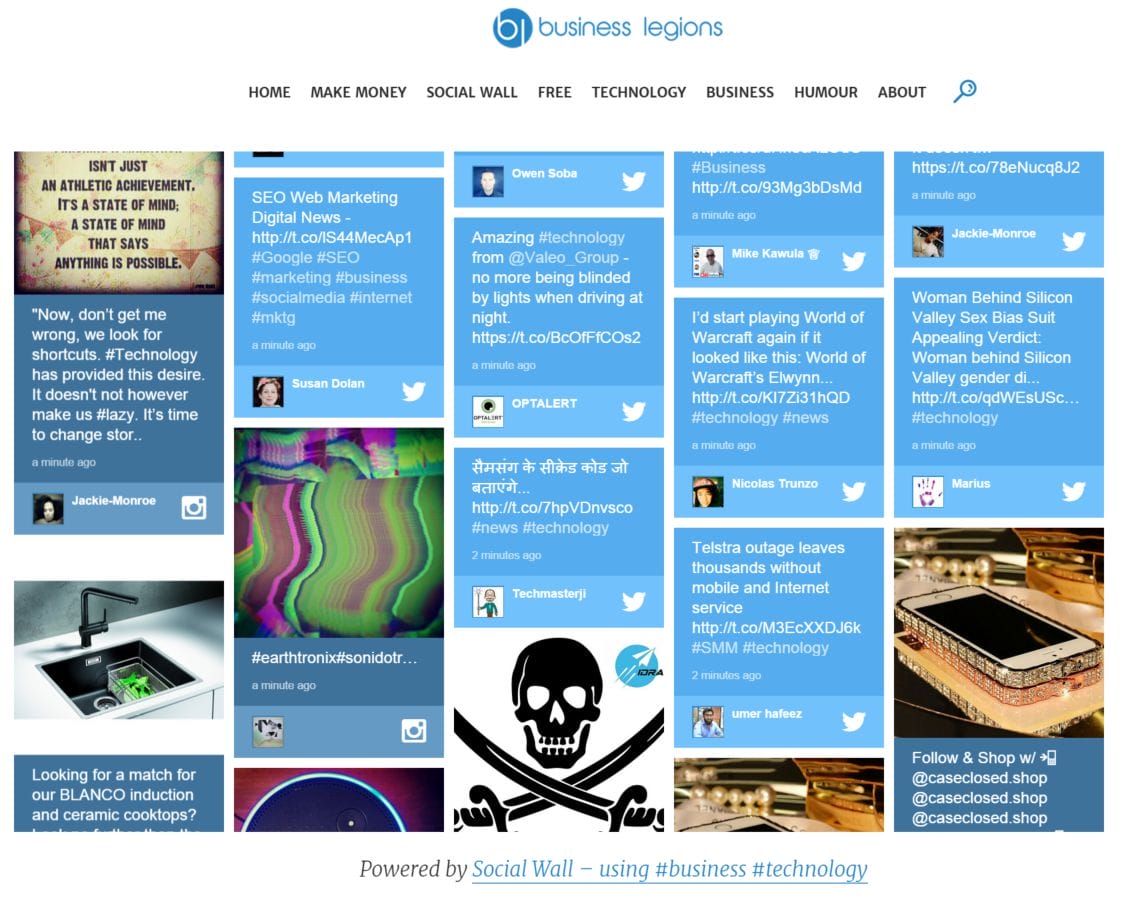
Introducing Social Wall for Business Legions
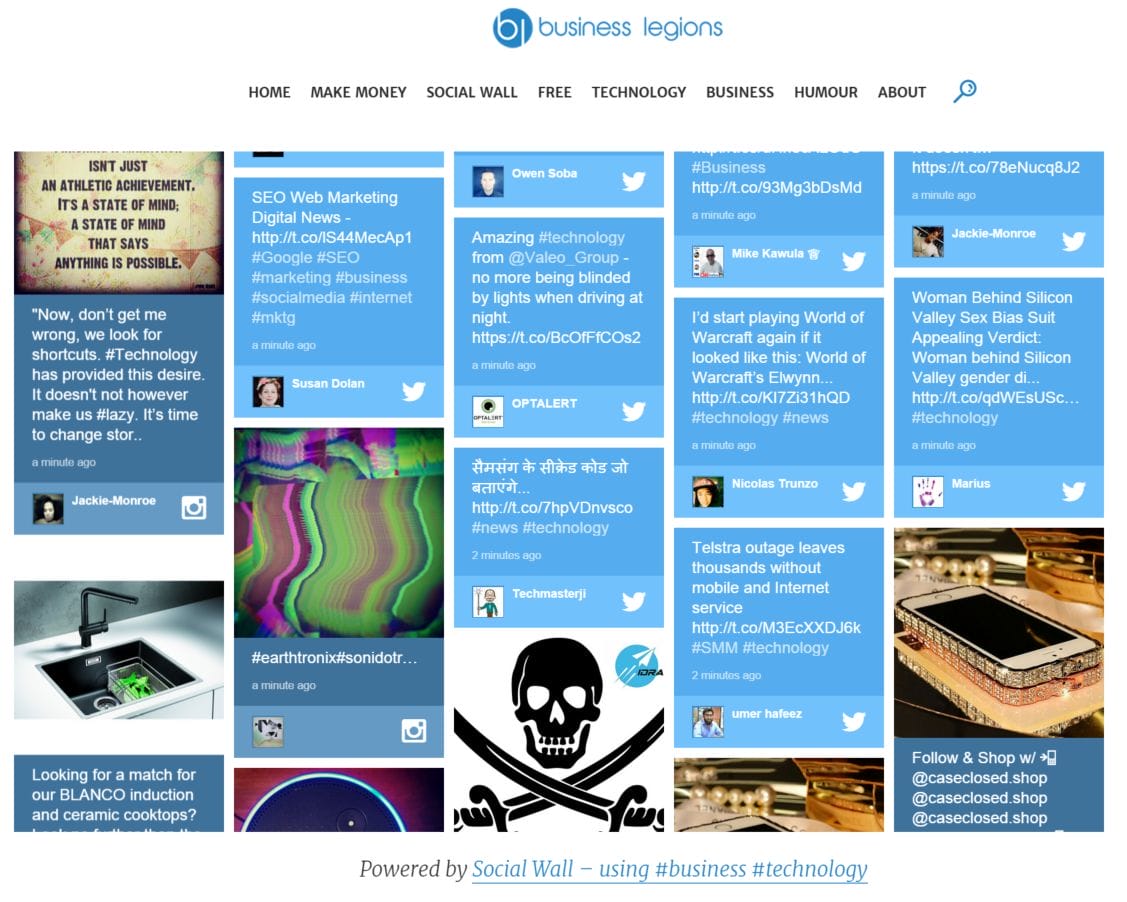
We’ve just added a new page on our website called Social Wall that displays our Facebook posts and also the hashtags #business and #technology from Twitter. It’s a pretty cool tool and you can use it on your website, smartphone, digital screen if you have a retail store, or on a video wall. The possibilities […]
read more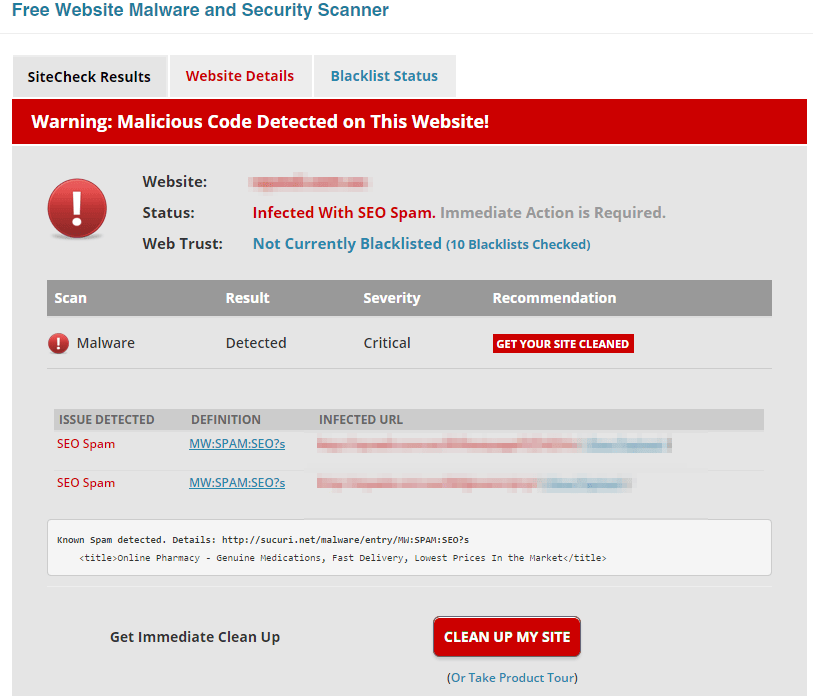
How to cleanup Website Hacked with SEO Spam
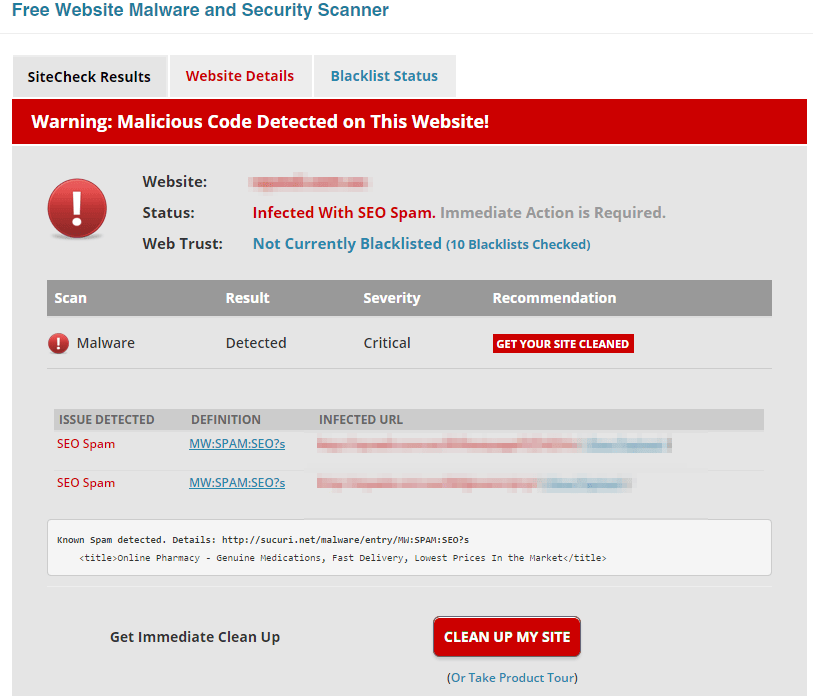
I recently looked at an issue with a website being infected with a malware called SEO Spam. This was reported by Google Webmaster Tools (one of the benefits of adding your website to Webmaster Tools) as shown below: [blockquote align=”left” ]DON’T IGNORE THESE MESSAGES[/blockquote] I decided to confirm this and used a website called […]
read more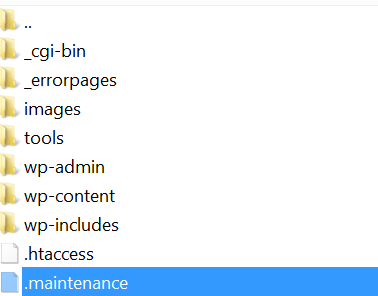
How to fix stuck Maintenance Mode in WordPress
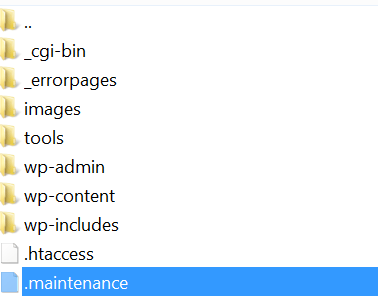
Today I tried updating several plugins through the WordPress admin dashboard. There was about 7 on the list so as usual I decided to select all 7 and update. However, I wasn’t patient and didn’t wait until the WordPress update finished and caused the site to go into Maintenance Mode meaning the message was displayed: […]
read moreJune 10, 2012 / by Marco / database, mysql database, phpadmin, plugin, pluging, SQL, sql statement, statement, type, type comments, way, website, WHERE, Wordpress
How do you delete all the pending comments in WordPress
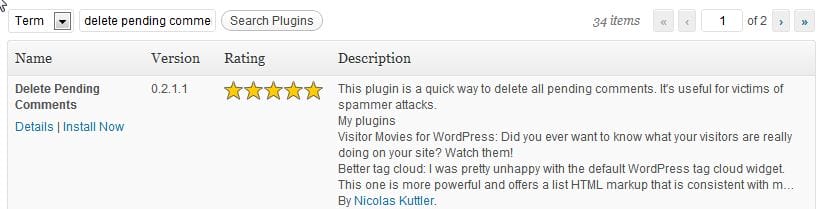
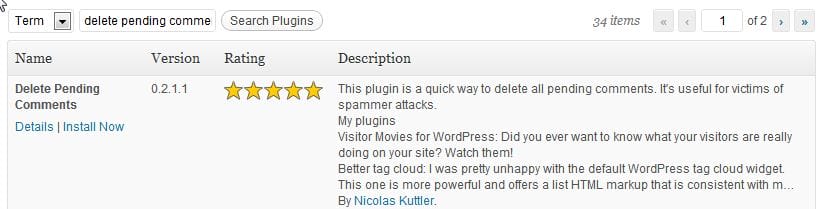
I fyou get annoyed at all the spammed comments in your WordPress and want to delete all these in one go then there are two options available to delete all the pending comments in your WordPress website. One way is to go into the mysql database via phpadmin and use an SQL statement and delete […]
read moreJune 9, 2012 / by Marco / administrator account, check, left navigation, login, member, member registration, Membership, membership check, Refresh, Registration, Signup, signup button, website, while, Wordpress
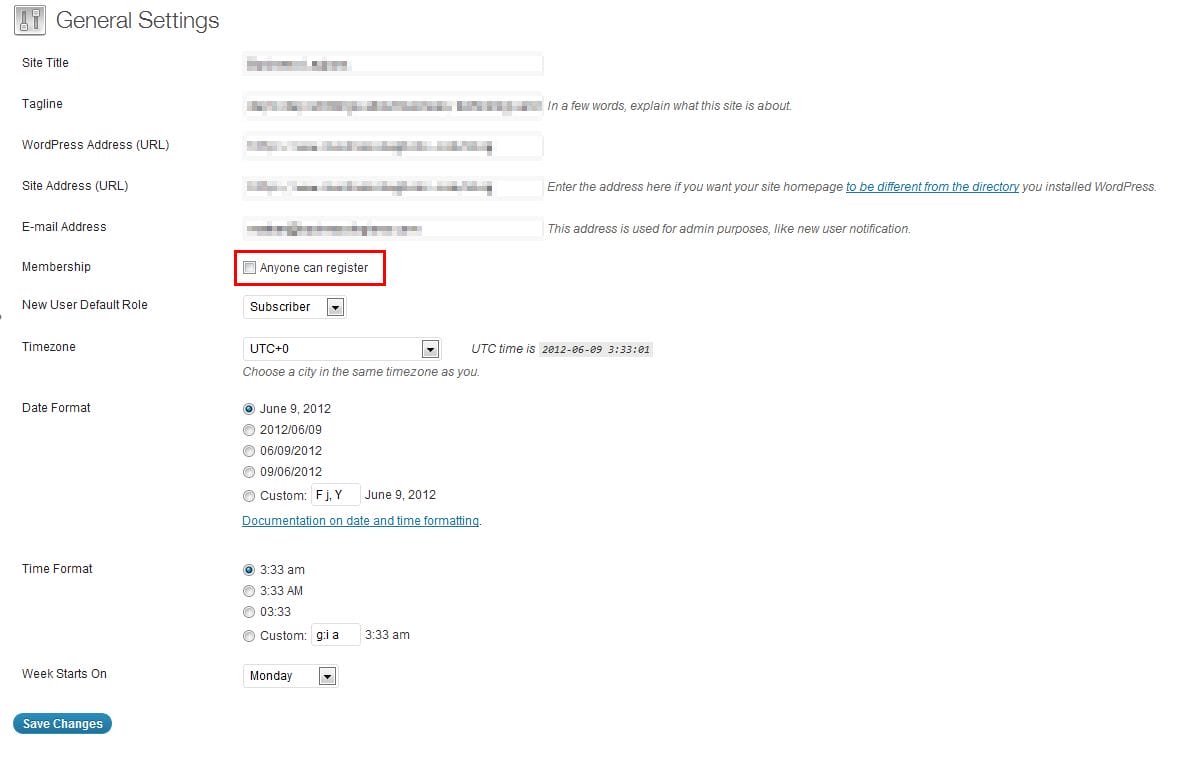
How do you Enable Member Registration on the BuddyPress Website
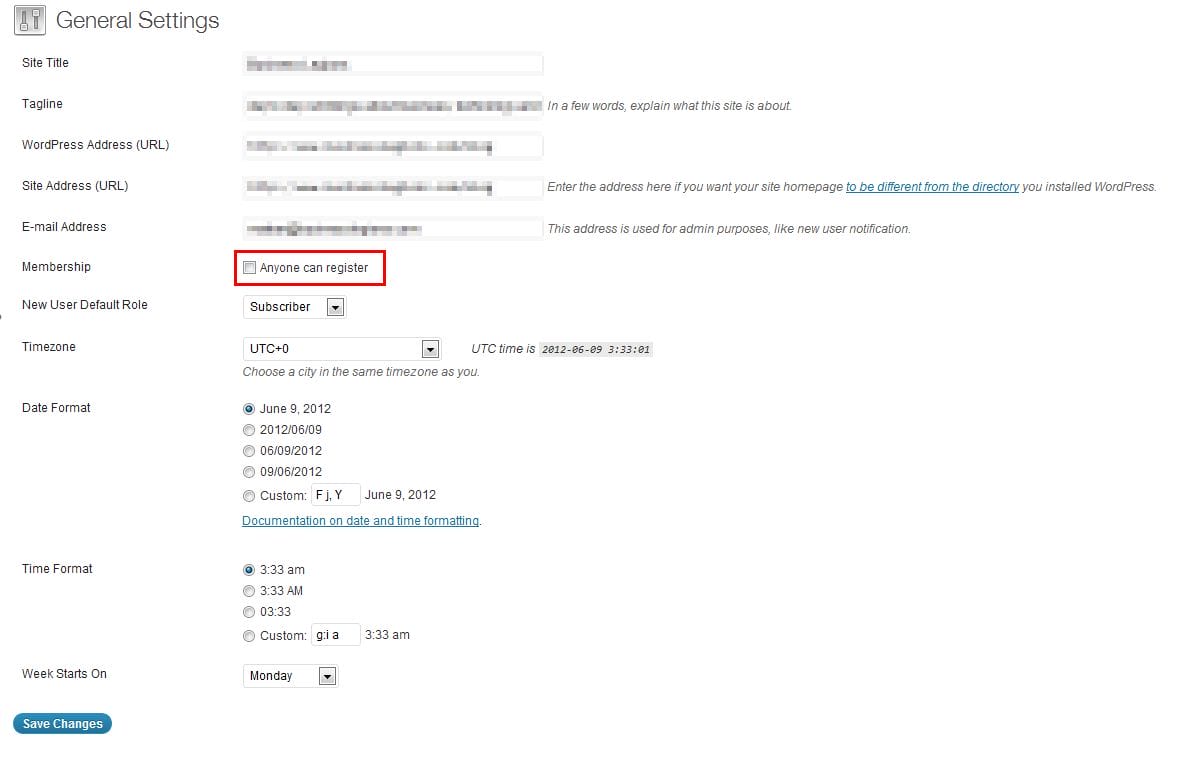
It took me a while to figure this out but it appears that the BuddyPress registration is actually managed by the WordPress member registration. All you have to do is follow these steps: Login to your WordPress administrator account Along left navigation, Click on ‘Settings’ Under ‘General Settings’, set the following value: Membership = check this box […]
read moreWebsite is down
Our main busineslegions.com website is down at the moment as we’re in the process of revamping this website. We will definately have a better website for you all in the next few months so watch this space. DO YOU LIKE WHAT YOU’VE READ?Join our subscription list and receive our content right in your mailbox. If […]
read moreResume – The improvement process
So I was on the train this week and the guy in front of me had his laptop out. I obviously had the urge just to take a quick peek to see what he was working on and I was surprised to see what he was doing. He was working on his resume which is […]
read moreHow do you convert leads to sales?
Over the past several years, my company received quite a number of leads from large reputable businesses and just reviewing this today I asked myself, “How do you convert leads to sales?”. I mean, there must be a technique or a well thought out process that successful businesses must be using. What is it? Obviously, […]
read more