
Ashampoo® 3D CAD 7: Architecture Version for $29
April 15, 2020 / by Marco / Categories : Business, deals, design, entrepreneur, website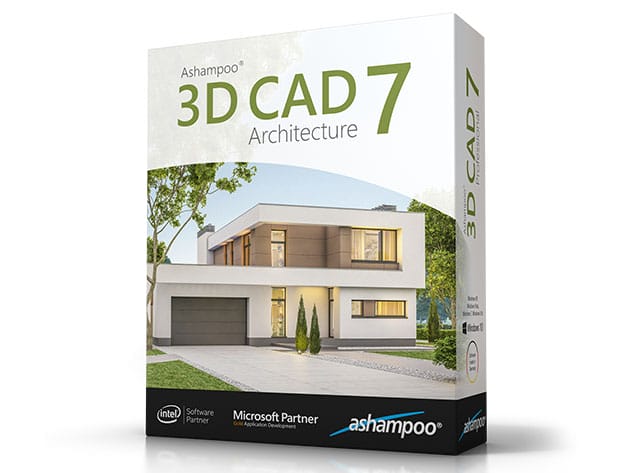


KEY FEATURES
Whether you’re planning your dream home or just need to redecorate, Ashampoo 3D CAD Architecture offers a myriad of new options! You can finally import SketchUp and Collada objects and access millions of new objects. Planning photovoltaic system has never been easier or more precise and designing spacious areas is now a breeze thanks to support for raster elements. Naturally, this includes calculations to find suitable offers quickly. You can now also mirror and edit 3D objects and 2D symbols with ease. Got big plans? Ashampoo 3D CAD has you covered!
- Access to multiple new objects through SketchUp & Collada model import
- Plan roof-mounted photovoltaic installations
- Innovative 3D raster elements for use w/ large areas
- Powerful area analysis for precise calculations & proposals
- Mirror objects & 3D symbols effortlessly
- Numerous under-the-hood improvements
- Color or fill 2D symbols
- Edit areas in 3D w/ surface planner
PRODUCT SPECS
System Requirements
- Windows 7, 8, 10
- An Internet connection is required to activate the program. The program license is verified repeatedly at regular intervals.
- Full administrative rights are required to use the program
Important Details
- Length of access: lifetime
- Redemption deadline: redeem your code within 30 days of purchase
- Max number of devices: 1
- Access options: desktop
- Software version: 7.0.0
- Updates included
What’s New in 3D CAD Architecture 7?
- New parameterized 2D lines
- Custom lines from 2D symbols
- Versatile project viewer with new sort options
- Manage buildings with dedicated hierarchy level in project viewer
- Save visibility settings for categories and object types as templates
- New edge snapping for object alignment
- Easy copying of windows between walls
- Copy and move dormers
- Enable staircase parts individually
- Change depth of cut for existing section views
- Easily add and delete points in roof polygons
- Easier moving of elements between pages
- About 100 new clinker brick textures

Marco / admin / 30 Nov
Writing day to day ramblings about making money, business, technology, sharing awesome deals and everything else that I know I'll forget. Follow my personal blog https://marcotran.com.au
I've recently also turned Vegan and started this website Veggie Meals - check it out
"When technology speaks for itself, that is art" - MT
Affiliate Compensated: there are some articles with links to products or services that I may receive a commission.
OTHER ARTICLES YOU MAY LIKE

EASY TYRE PRESSURE SENSOR RESET TUTORIAL | RENAULT KOLEOS & SIMILAR CARS
If you have recently adjusted your tyres, topped up the air pressure, or seen a warning appear on your dashboard, knowing how to reset the tyre pressure monitoring system on a Renault Koleos can save you time and unnecessary worry. The process is quite straightforward once you know where to look in the vehicle menu, […]
read moreHOW TO USE GOOGLE WORKSPACE STUDIO FLOW IN GMAIL FOR SMART EMAIL AUTOMATION
Google keeps slipping new productivity features into Workspace, and sometimes the most useful ones are the tools you almost discover by accident while checking email. That is exactly the case with Studio Flow, a feature that has started appearing inside Gmail and wider Google Workspace environments, and it looks like Google is pushing further into […]
read more

