
BEST TOOL TO BACKUP MY WEBSITE
May 19, 2022 / by Marco / Categories : Technology
If you’re an entrepreneur, business owner or simply someone who manages a website, you need to make sure your website is constantly backed up. I use to just write bash scripts on my VPS server to backup the website to an external NAS drive and sometimes the backup process would fail or the storage space would run out.
Maintaining your website’s health is critical for your business. A website that is backed up regularly can be restored quickly if problems arise. To do this easily, back up your site to a cloud-based storage service. I ditched the bash scripts and I’ve now started using BackupSheep.
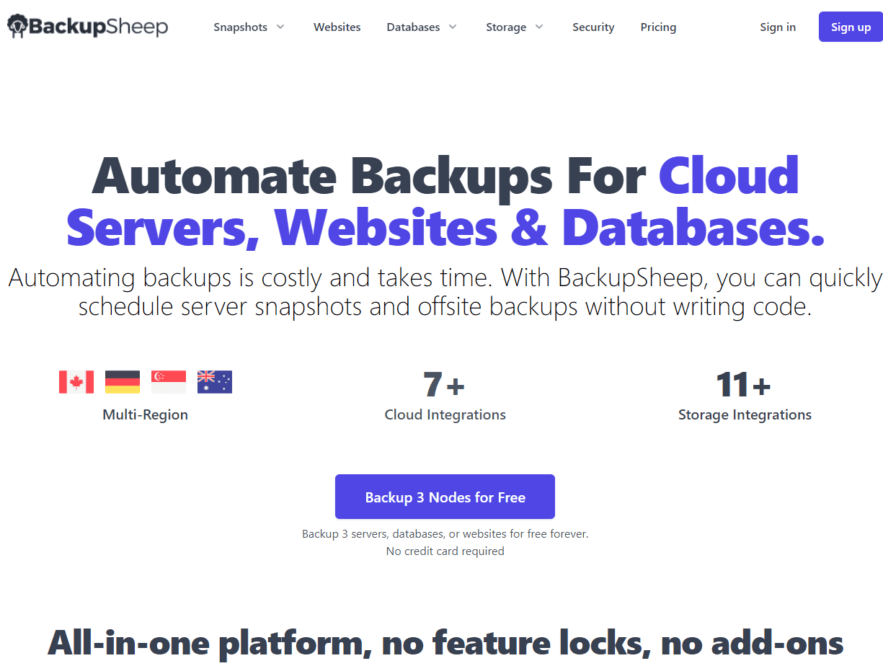
With BackupSheep you have the option to backup your cloud server, website or database to their server at backupsheep.com via one of their multi-regional nodes. They are also using decentralised storage as well. Their servers are running 24/7 and if you run into any problems their friendly support team is available to chat with you. I was able to quickly resolve some of the issues I was experiencing with my backup by chatting to one of their staff members.
In terms of security, all the files or databases being backed up are encrypted during transit and at rest. You can be assured all your data is in safe hands and won’t be compromised.
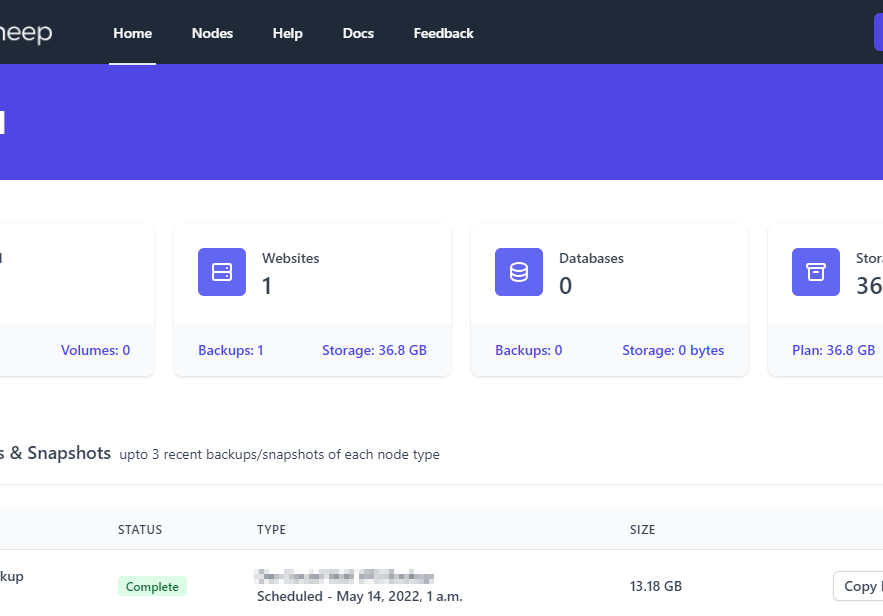
On the dashboard, you can see the status of the backups and you can set whether you receive an email notification when the backup is completed successfully or if it failed. You can configure how often using the scheduling feature and which files should be backed up. At the moment, the only way to restore the backup is to download the complete zip file and then select which files to restore. I believe in a couple of days’ time, they will eventually add a feature to be able to select which file to restore.
With Cloud server backups, BackupSheep has the option to easily create snapshots with one of these many providers:
- DigitalOcean
- OVHcloud
- VULTR
- AWS
- Amazon Lightsail
- Hetzner
- UpCloud
- and there will be more in the future
I will soon set up the integration with AWS and Amazon Lightsail since we are currently using these providers.
In terms of databases, you have the choice of backing up MySQL, PostgreSQL and MariaDB. Fortunately, I use MySQL and MariaDB for most of our databases but I’ve currently not set any backups yet.
The only backup I’ve set up is one of the many VPSs I manage. The setup was seamless and it just required me to add the IP address of the BackupSheep node into my firewall and then configure the SSH keys. It was fairly easy to set up and even if you get stuck the support team will be able to help you and guide you through this process. There are also useful documents that provide detailed information on how to do most of the setups.
There will be future updates to BackupSheep listed in this roadmap and make sure you don’t miss out on these future updates by buying it now. You will regret it if you do. You can buy a Lifetime Deal from Appsumo but the deal will run out shortly so don’t miss out!


Finally, I also had the chance to chat with the founder Bilal Ahmed who was kind enough to spend some of his valuable time responding to some of my questions.
I’m always intrigued to find out more about the founders behind great tools such as BackupSheep so I asked Bilal about the name of the website “BackupSheep”. The backup part seems self-explanatory and it is simple and generic. There is no real explanation for the sheep part except that there are other tools such as Mailchimp and Surveymonkey which has an animal in the name so why not. The scheme worked for him and it is easy to remember too.
I also wanted to know a little bit about his background and he shared that he was working as a freelancer on Upwork back in 2011. He was building SaaS products and websites for many clients and he needed a solution to manage the client’s backups. It was considerably painful to login into each client’s website and make backups before making any changes (yep I’ve been through this as well), so he developed a private application. Then he released it as a free service. After receiving a lot of positive feedback and adding more and more services BackupSheep was baaorn! (sorry lame joke).
It’s always admirable to see entrepreneurs identifying problems and building great solutions to fix these problems. We look forward to extensively using BackupSheep for all of our backups and wish you all the best.

Marco / admin / 30 Nov
Writing day to day ramblings about making money, business, technology, sharing awesome deals and everything else that I know I'll forget. Follow my personal blog https://marcotran.com.au
I've recently also turned Vegan and started this website Veggie Meals - check it out
"When technology speaks for itself, that is art" - MT
Affiliate Compensated: there are some articles with links to products or services that I may receive a commission.
OTHER ARTICLES YOU MAY LIKE

USE FUSEBASE TO AUTOMATE TEAMWORK AND COLLABORATION
If your business is growing, your team is juggling too many moving parts, and your client communication is spread across email threads, chat apps, documents, task boards, and endless follow ups, there is a good chance the real problem is not effort but fragmentation. Most businesses do not lose time because people are lazy. They […]
read more
USING REAP FOR VIDEO CLIPS
Short form video is now one of the most effective ways to reach new audiences, grow brand awareness, and turn long form content into a steady stream of social media assets. For creators, marketers, consultants, educators, and business owners, the challenge is rarely a lack of content. The real problem is time. Editing long videos […]
read more
