
How to disable Chrome developer tools
March 2, 2015 / by Marco / Categories : Google, Technology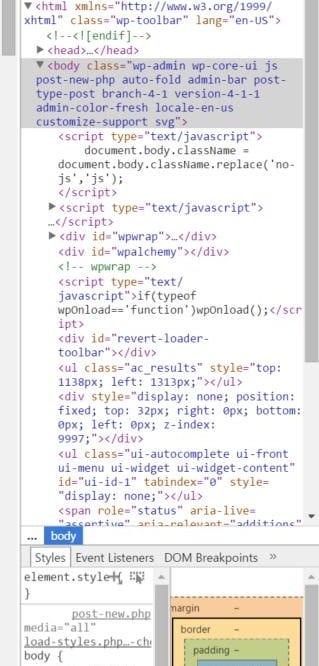
If you’re intending to use Chrome kiosk mode (read this article on how to achieve this) then it’s a must to disable the Chrome Developer tool as this is not disabled by default in Chrome.
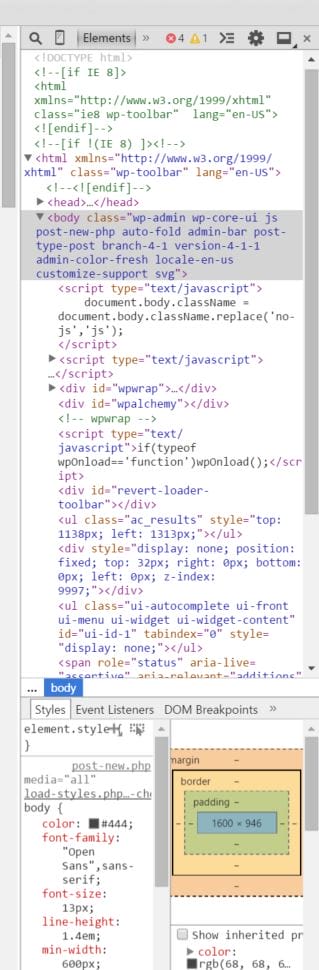
What is the Chrome Developer tool?
This is a useful built in tool in Chrome used by developer to debug, troubleshoot webpage issues. If you want to use this feature all you have to do is press F12 or Control – Shift – J or click on the Settings Icon at the top right hand corner (3 lines) then more tools and then select developer tools.
How do I disable this feature?
To disable this feature when using Chrome Kiosk Mode all you have to do is add the following lines in your Chrome Preferences file.
Edit the file C:\users\[your users account]\AppData\Local\Google\Chrome\User Data\Default\Preferences
Find the section with devtools and add the line “disabled”:true,
See below for example


"devtools": {
"dock_side": "undocked",
"disabled": true,
"split_location": 529
},
Save the file and restart chrome. Test by pressing F12 and you will noticed that the Developer tool options will not be displayed.

Marco / admin / 30 Nov
Writing day to day ramblings about making money, business, technology, sharing awesome deals and everything else that I know I'll forget. Follow my personal blog https://marcotran.com.au
I've recently also turned Vegan and started this website Veggie Meals - check it out
"When technology speaks for itself, that is art" - MT
Affiliate Compensated: there are some articles with links to products or services that I may receive a commission.
OTHER ARTICLES YOU MAY LIKE

USE THESE TOOLS TO BUILD YOUR BUSINESS
Building a business has never been short on ambition, but it has often been short on time, budget, and operational headroom. Founders are expected to market like a media team, sell like a seasoned closer, support customers around the clock, manage projects with precision, and still find space to think strategically. That is exactly why […]
read more
HOW TO USE SPLIT VIEW IN GOOGLE CHROME
Google Chrome is full of useful features that many people never notice until they appear by accident during everyday browsing. One of those quietly helpful tools is Split View, a feature that makes it much easier to work with two tabs side by side in the same browser window. If you regularly compare documents, read […]
read more

