Category Archive: Technology
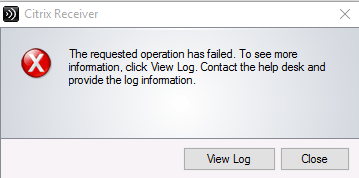
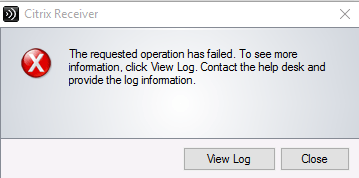
Error Code 1681 and 1602 with installing Citrix Receiver
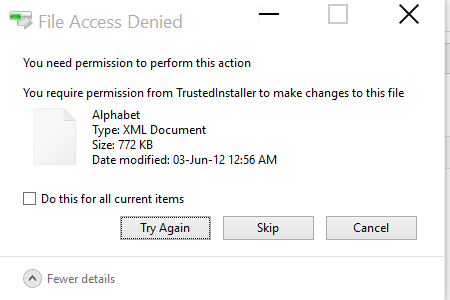
Yesterday I tried installing the Citrix Receiver on a Windows 10 PC and it just wouldn’t install. Initially I thought I had a corrupted install file but that wasn’t the problem. After a number of attempts I managed to install it and decided to document it in case it happens again. This was the error […]
read more
Monstroid Promo Coupon Code 50% Off
A few days ago I wrote about a theme called Monstroid which you can read here: The Monstroid WordPress Theme I just received a promo coupon code that saves you 50% OFF on your purchase which means the cost of the theme goes down to $39.50 from $79 (per website) which is pretty damn good. It’s even […]
read more
The Monstroid WordPress Theme
As the name suggests, it’s a Monster of a Theme. If you’re a WordPress user then this theme does it all. Over the years I’ve used and tested quite a number of Themes and Monstroid is one that I would recommend if you’re looking to start a new website. It’s very simple to use. Unlike other […]
read more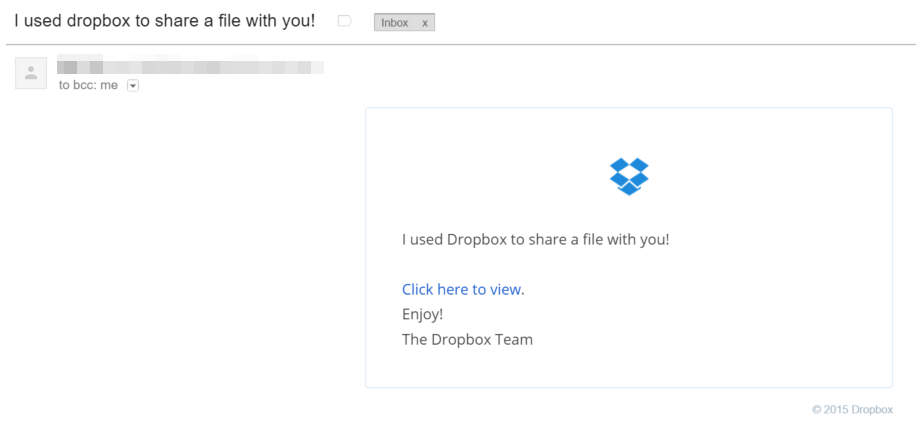
Beware Dropbox Virus
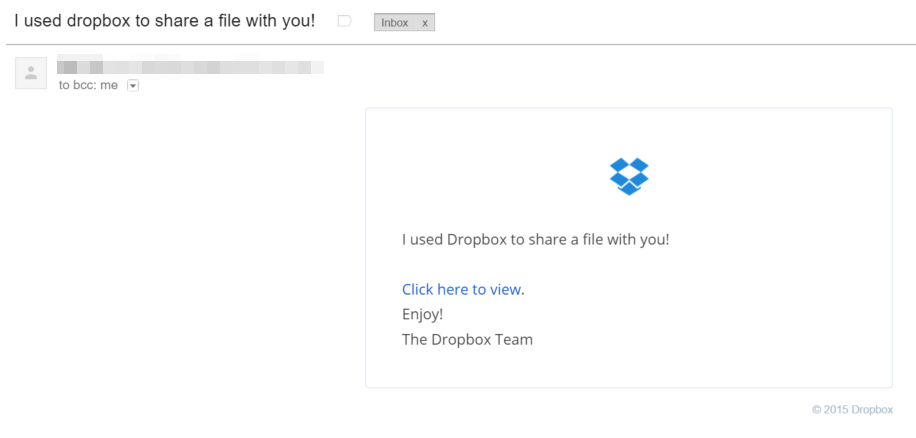
I’ve just received several emails from people that I know with the subject title ” I used dropbox to share a file with you!”. Just like below: When you click on the email you will see the following message: This is not a Spoof email because the headers of the email actually came from the […]
read moreJuly 12, 2015 / by Marco / change the style, contact, Contact Form 7, CSS, form, really simple captcha, table, Wordpress
Styling WordPress Contact Form 7
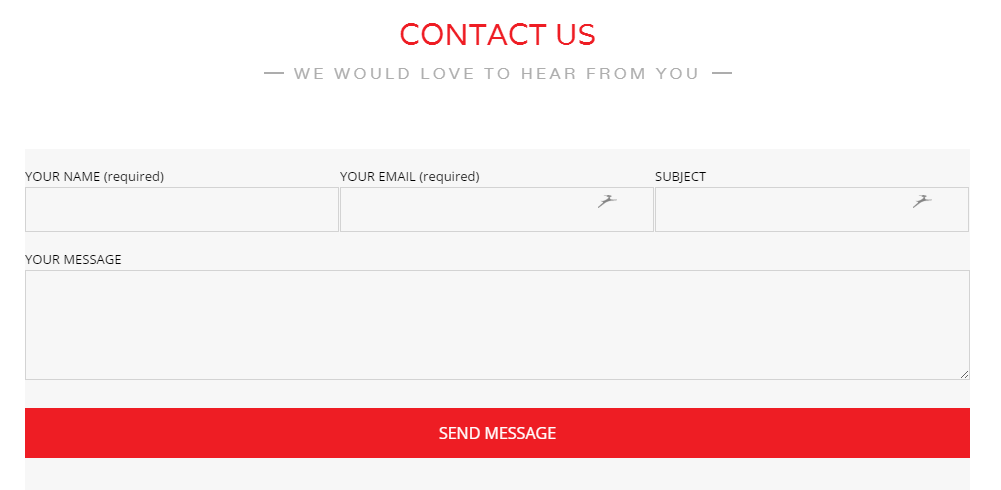
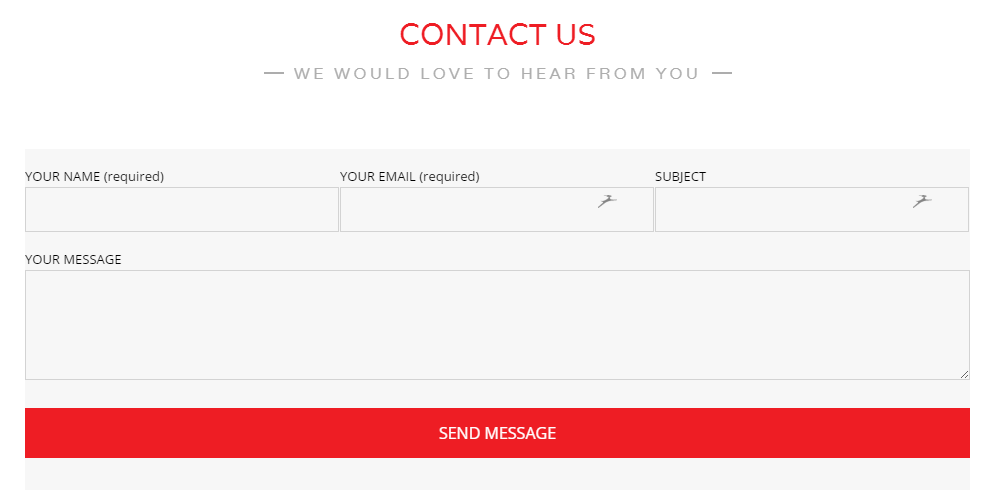
Styling a contact form can be a difficult task, especially for those like me that have very little programming experience but with some persistence (more like trial and error), I managed to style the contact form. The website is built using WordPress and the theme that was used is Unik. The theme also had a built in […]
read more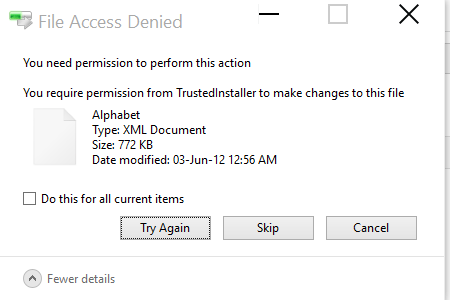
How to delete Windows.old folder after Windows 10 Upgrade
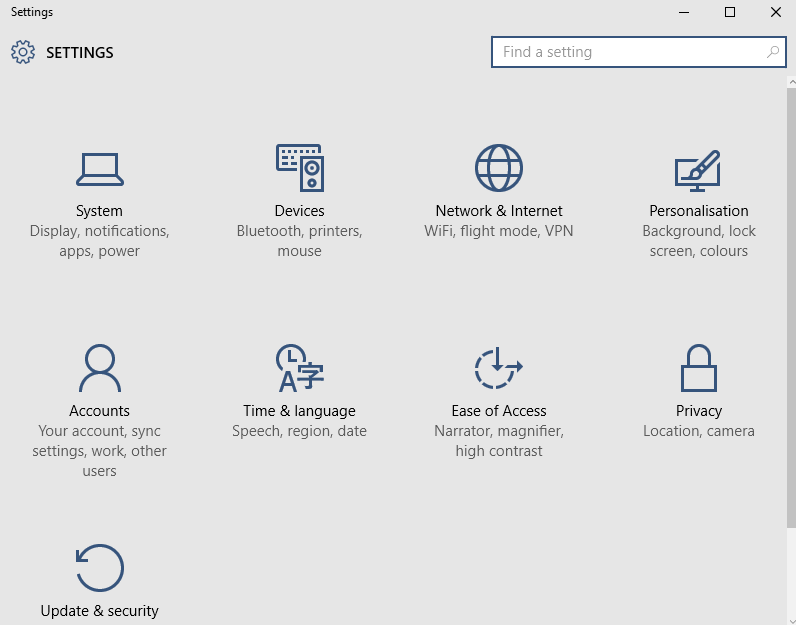
If you’ve recently updated to Windows 10, you will notice in your C: there will be a Windows.old folder. This is your previous version of Windows and it will be there until you remove it. On my computer the folder is about 15GB and on a 60GB SSD it was worthwhile for me to remove […]
read more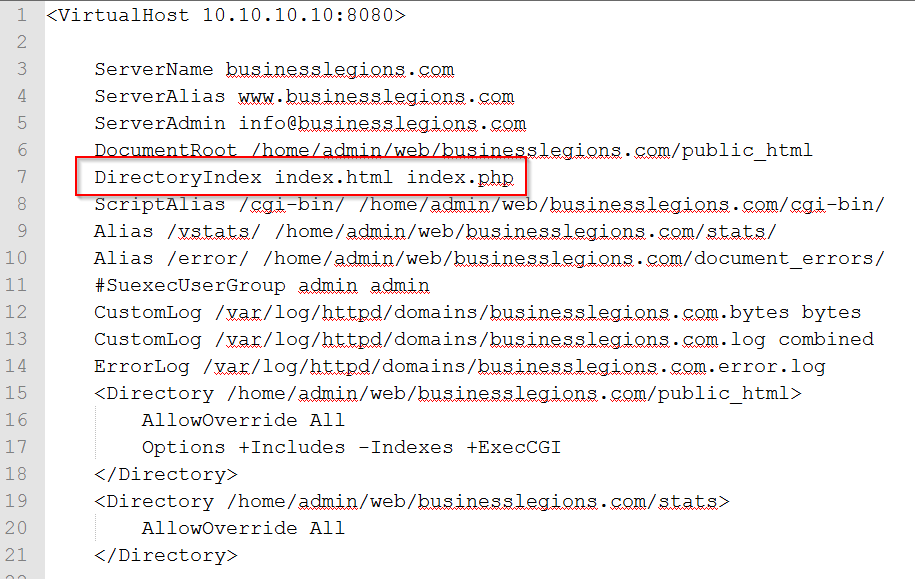
Changing the default index file in VestaCP hosting
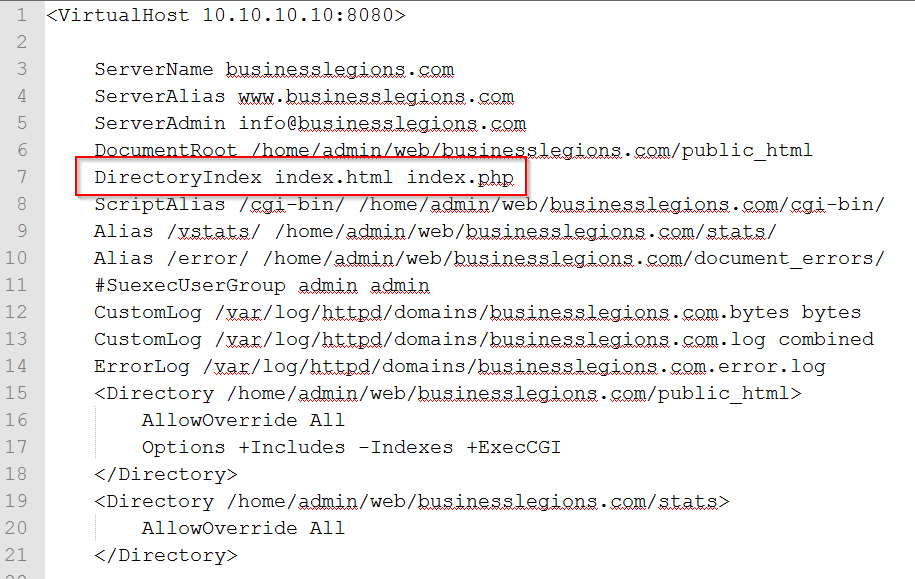
I had to launch a new website and needed to display the index.html file instead of the default index.php file. The index.html file is use as a coming soon page whereas the index.php is part of the Content Management System. In order to resolve this issue I had to use these steps: NOTE: I use […]
read more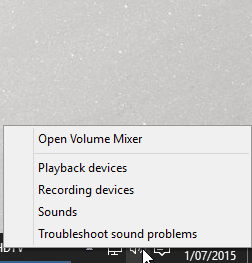
How to fix audio not playing from a program
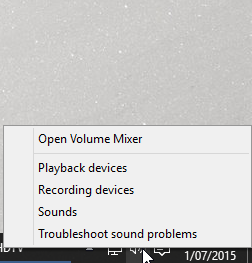
I’m currently using Windows 10 Insider Preview and installing the FusionHDTV software and drivers worked fine. The only problem that I encountered was that there was not audio coming from the FusionHDTV software. I use Plantronics headphones and the volume coming from other applications worked fine so it was only this 1 program that had […]
read more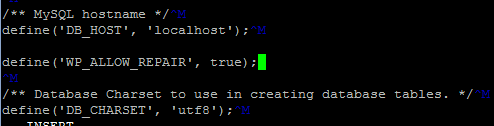
WordPress Database Repair
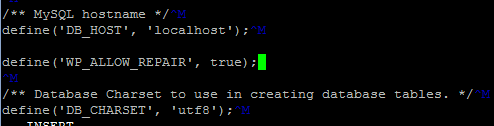
Today, one of my sites was not loading correctly – images and text were not displaying which I guessed that the database was corrupted. In an older post I outlined how to repair mySQL tables using a tool called mysqlcheck. This process may have been a bit too difficult for some so I wanted to […]
read more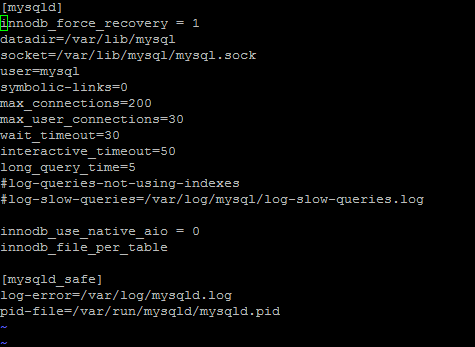
Solved: Can’t connect to local MySQL server through socket ‘/var/lib/mysql/mysql.sock’
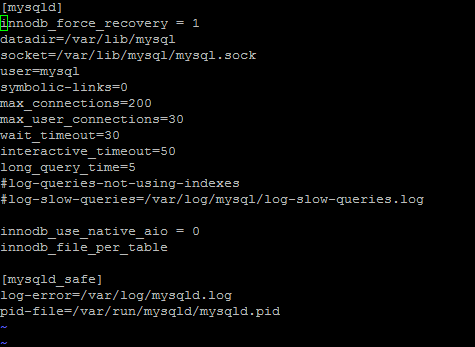
My VPS server experienced an issue with mySQL server and thought I’d better document how to resolve it in case it happens again. The symptoms An Error message saying unable to connect to the database comes up when trying to access websites using WordPress Manually starting the mysqld came back with “Failed”- using the command […]
read more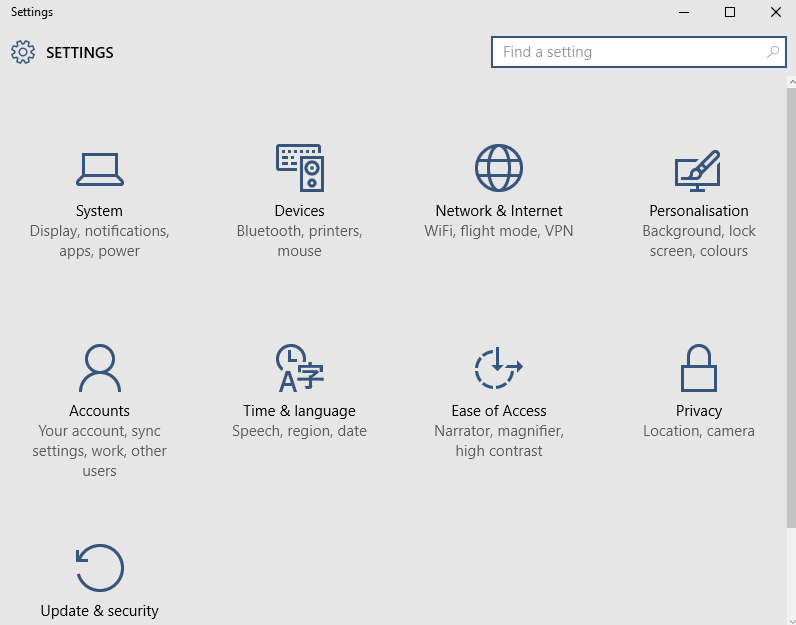
Windows 10 Pro Insider Preview Review
I’ve just installed the Windows 10 Pro Insider Preview (Evaluation Copy – build 10130) and noticed a big improvement from Windows 8.1 Firstly, there is the Start Icon!!!! OMG! For those of you who have used Windows 8.1 know how frustrating it was without the Start button. I even recommended to install a software […]
read moreWordPress Plugin: My Site Functions
This is a simple WordPress Plugin for adding site functions rather than using theme functions. One of the biggest drawbacks with using theme functions in WordPress is that switching themes or updating themes causes the functions you created in the theme to no longer work – it is theme specific. There is a lot of […]
read more